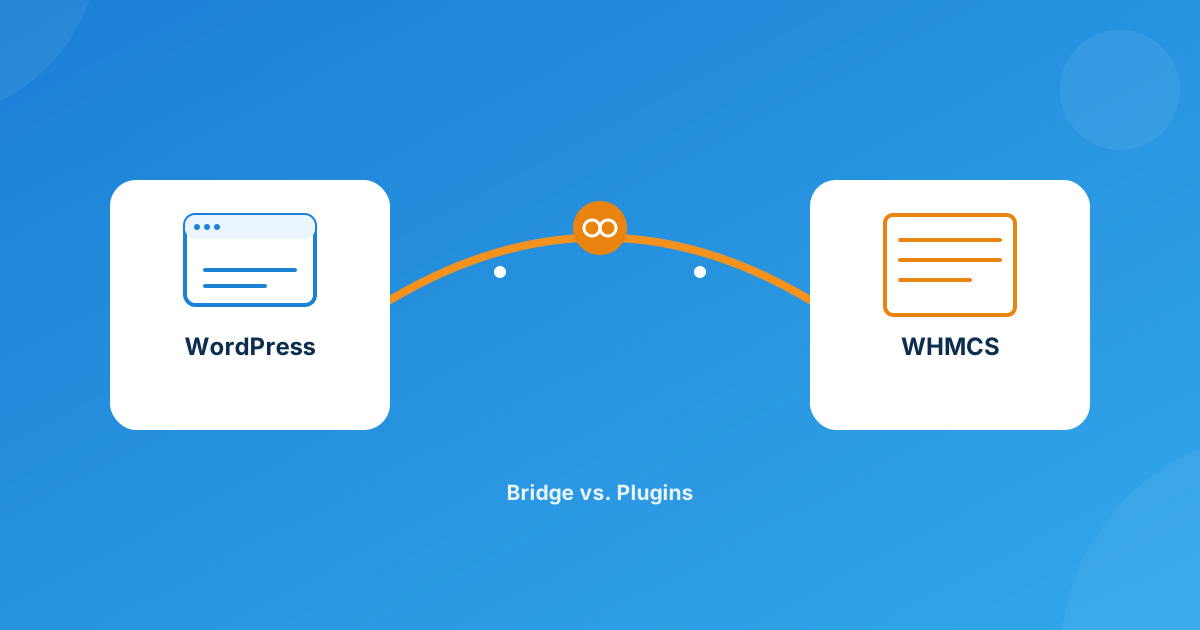
Every host runs into this question eventually: your billing lives in WHMCS, your marketing site lives in WordPress, and clients keep bouncing between two logins, two themes, and two “is this even the same company” moments. The fix people reach for first is a bridge plugin. The fix that actually solves it, for a lot of hosts, is something more purpose-built.
A classic WHMCS-WordPress bridge wraps your WHMCS client area in your WordPress theme and lets clients log in once — that’s it, and for a support-desk-style setup, it’s often enough. If you want live pricing tables, domain search, one-page ordering, or a full client dashboard that never leaves WordPress, you need a purpose-built plugin like the WP-WHMCS Toolkit Suite.
What a “bridge” actually does
Say “WHMCS bridge” to a hosting forum and everyone pictures the same thing: a plugin that takes your native WHMCS pages — invoices, tickets, the order form — and re-skins them so they inherit your WordPress theme’s colors, fonts, and header/footer. Pair that with single sign-on, and a client who’s logged into your WordPress site is automatically logged into their WHMCS account too. No second password to forget, no jarring switch to a different-looking site mid-checkout.
That’s genuinely useful, and it’s why bridge plugins have been a staple of WHMCS setups for years. But notice what it doesn’t do: it doesn’t put pricing, domain search, or ordering inside a WordPress page. It just makes the WHMCS pages look less foreign when a client is sent over to them.
Where the classic bridge runs out of road
I’ve set up more than a few of these for clients who were happy right up until they wanted to do something with their site beyond “look consistent.” A few scenarios that come up constantly:
- Marketing wants a live pricing table on the homepage, pulling real plan prices from WHMCS — a plain bridge has nothing built for that.
- Sales wants visitors to search and register a domain without ever leaving the landing page they arrived on.
- Support wants clients to see their open tickets and current invoices in a widget on their WordPress dashboard, not after a redirect.
- The checkout flow is losing people at the theme switch, and the team wants ordering to feel native to the site, not bolted on.
None of that is a knock on the bridge concept — it was never built to do it. It’s a login-and-skin layer, not a page-building toolkit. If your needs stop at “make the client area match my theme,” it does its one job well and you can stop reading here.
What a purpose-built plugin adds on top
This is where tools like WHMPress’s own shortcode library and the WP-WHMCS Toolkit Suite come in — and it’s worth being precise about what each one actually is, because “bridge vs. plugin” isn’t really an either/or once you look closely.
The WHMPress Bridge is explicitly built to sit alongside a classic bridge, not replace it — the product page states it’s fully compatible with the familiar WHMCS-bridge setup most hosts already run. What it adds is over 25 shortcodes: live pricing tables and price boxes pulled straight from your WHMCS packages, order buttons, package comparison tables generated automatically from your package details, a “pricing slider” for VPS/cloud upsells, and domain tools — WHOIS lookups, an extended search covering 540+ TLDs, bulk and sitewide domain search, all running live inside a normal WordPress page. Your WHMCS admin password is never stored in WordPress; the plugin only touches product data, and it caches results locally so a busy landing page isn’t hammering your WHMCS install on every visit.
The WP-WHMCS Toolkit Suite goes further and tackles the two other gaps directly. Its WCAP component (Client Area Plugin) rebuilds the dashboard, service management, domain management, billing, and ticket support natively inside your WordPress theme — using an API-based approach the product describes as an alternate to a traditional bridge, so clients genuinely never see a differently-styled WHMCS screen. Its WCOP component (One-Page Order) lets people complete a purchase directly on your WordPress site, in either a standard or single-page checkout flow, aimed specifically at cutting cart abandonment — the order finishes in WordPress while WHMCS still handles the account and billing behind it. There’s also a WooCommerce payment gateway bundled in, so WHMCS invoices can be settled through any WooCommerce-supported payment method, including block-based checkout.
Bridge vs. shortcode library vs. full client-area plugin
| Approach | What it actually does | Best for |
|---|---|---|
| Classic bridge (SSO + theme skin) | Wraps native WHMCS pages in your WordPress theme and shares one login between the two | Support-desk-style sites happy to send clients to a matching-but-separate WHMCS section |
| WHMPress Bridge (shortcodes) | Drops live pricing tables, domain search, order buttons, and comparison tables into any WordPress page | Marketing and sales pages that need real WHMCS data without a redirect |
| WP-WHMCS Toolkit Suite (WCAP + WCOP) | Rebuilds the client dashboard and adds a native one-page checkout, so clients rarely see WHMCS at all | Hosts who want the whole client journey to feel like one WordPress site, start to finish |
Most hosts I talk to end up mixing two of these rather than picking one in isolation — a bridge for login continuity, plus shortcodes or WCAP/WCOP for whichever piece of the journey (pricing, ordering, the dashboard) was actually causing complaints.
How to decide which one you need
Work backwards from the actual complaint, not the plugin category:
- “Clients say the client area looks like a different website.” A classic bridge with single sign-on fixes this on its own — see our breakdown of why that client area integration matters for trust and support load.
- “I want live pricing/domain search on my marketing pages.” That’s the shortcode library’s job — it’s additive, so it slots in next to whatever bridge you’re already running.
- “People abandon checkout when it jumps to WHMCS.” That’s WCOP’s one-page order flow, built specifically to reduce that drop-off.
- “I want zero visible seams anywhere, forever.” That’s WCAP — the full client-area rebuild — usually paired with WCOP for ordering.
If none of the off-the-shelf pieces line up with something more unusual you’re running — a custom order flow, a non-standard product type, an internal tool that needs to talk to WHMCS — that’s a sign to stop stacking plugins and talk to someone who can build the exact integration, which is exactly what our Custom WHMCS Development team does.
Frequently asked questions
Can I run a classic WHMCS bridge and the WHMPress shortcode library at the same time?
Yes — the WHMPress Bridge is built to be compatible with a standard WHMCS-bridge setup rather than replace it. You keep single sign-on and theme matching from the bridge, and add live pricing/domain shortcodes on top.
Does the WP-WHMCS Toolkit Suite still need a separate bridge plugin?
No. WCAP rebuilds the client dashboard using its own API-based connection to WHMCS, described as an alternate to a traditional bridge — so it doesn’t depend on one being installed.
Will switching from a bridge to a full client-area plugin log clients out or lose their data?
Nothing about your WHMCS data changes — WHMCS stays the system of record for accounts, services, and invoices either way. The plugin you choose only changes how that same data is displayed and navigated on the WordPress side, so plan the switch during a quiet period and test login before rolling it out fully.
Do I need developer help to set any of this up?
A classic bridge and the shortcode library are largely configuration and shortcode placement — most hosts manage that themselves. A full WCAP/WCOP rollout has more moving parts, and if you want it wired into a non-standard setup, that’s where custom development earns its keep.
The bottom line
Don’t think of this as picking a winner between “bridge” and “plugin” — think of it as matching the tool to the specific seam that’s bothering your clients. A login-and-theme mismatch calls for a classic bridge. Marketing pages that need real pricing and domain data call for the shortcode-based Bridge. A client journey that should never touch a differently-branded screen calls for the WP-WHMCS Toolkit Suite. Most hosting businesses land on some combination of the three, added one at a time as an actual complaint shows up — not all at once on day one.
Browse the full WHMCS module marketplace to see every integration option side by side, or have our Custom WHMCS Development team wire up the exact WordPress-WHMCS setup your business needs.
Get a Free QuoteWP-WHMCS Toolkit Suite
Native Client Area + One-Page Order
Rebuild your WHMCS client dashboard and checkout right inside WordPress — dashboard, billing, tickets, and ordering, all in your theme.
Get the Plugin View product details →Custom WHMCS Development
Bespoke Modules & Integrations
Need a module, gateway, or integration built around how your business runs? We build upgrade-safe, API-driven WHMCS solutions.
Get a Free Quote View services →