Every WHMCS install ships with its own client area, and it usually lives on a subdomain your customers never see until they’re already signed up. If your marketing site runs on WordPress and your billing lives somewhere that looks like a different company built it, you’re asking people to trust two mismatched sites with the same login. That gap is smaller to close than most hosts assume, and it’s quietly costing you more than a support ticket here and there.
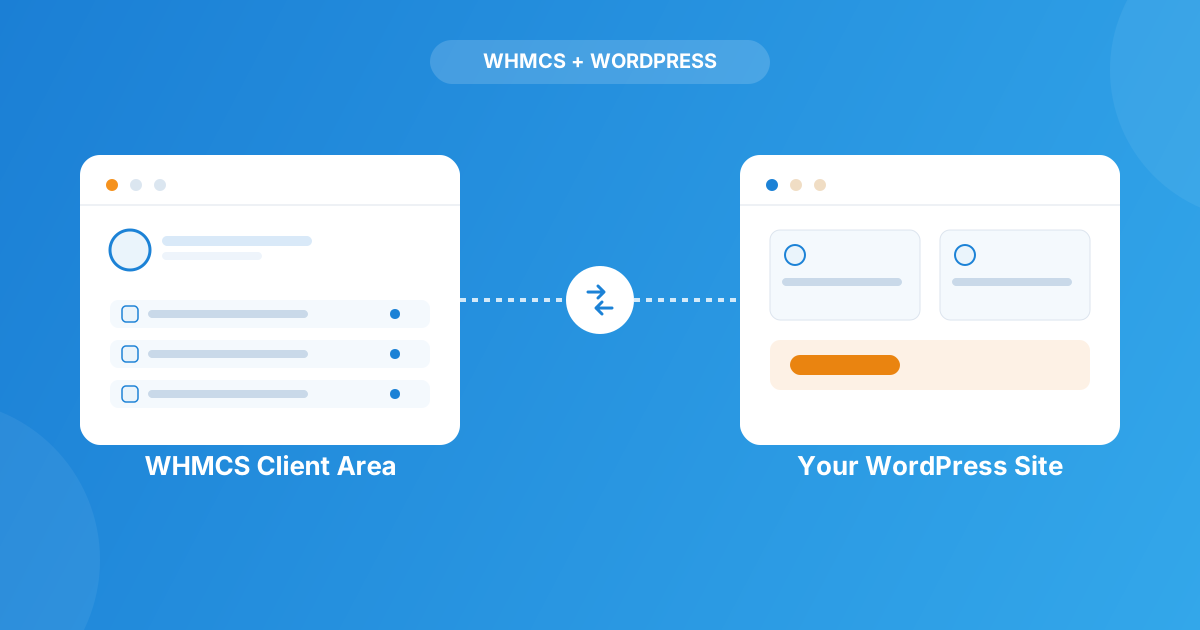
A WHMCS WordPress integration lets customers log in, view services, pay invoices, and open tickets without ever leaving your branded site. There are two common routes: an API-based client area plugin that renders your WHMCS data using your own theme’s styling, or a shortcode-driven bridge that pulls pricing and ordering straight into your pages. Most hosts running a serious business end up wanting both.
Why the “two websites” problem actually matters
Picture a customer who just bought hosting through your nicely designed WordPress site. A week later their invoice is due, so they click “Client Area” in the footer — and land on a bare, unstyled WHMCS page that looks nothing like the site they paid on. Some of them assume they got phished. I’ve seen tickets opened over exactly that, from otherwise happy customers who just got spooked by the visual jump.
It’s not only a trust issue. Every redirect to a separate WHMCS domain is a spot where checkout abandonment goes up and where your branding stops doing any work. If you’ve put effort into a WordPress site that actually converts, handing the entire billing relationship to an unstyled subdomain undoes a chunk of that effort.
The two ways to bring WHMCS into WordPress
Option 1 — an API-based client area
The WHMCS Client Area Plugin takes a different approach than pulling in the whole WHMCS interface: it’s API-based, so it transfers the underlying data and renders it using native WordPress markup — meaning your theme’s fonts, headings, and layout carry straight through. You get style controls in the admin panel to adjust colors and borders further, plus the ability to hide pages or menus you don’t want customers poking around in, and to point WHMCS menu links at your own WordPress URLs instead. Single sign-on means one login covers both systems, it’s WPML-ready for multilingual sites, and it’s a one-time purchase with lifetime updates rather than a subscription.
Option 2 — a shortcode-driven bridge
The other route pulls pricing, ordering, and domain search into WordPress pages via shortcodes rather than rendering the client area itself. That means package comparison tables built from your live WHMCS product data, domain availability search that never redirects to WHMCS, order buttons and combo discounts, and a currency changer — over 25 shortcodes in total. It caches data into WordPress for speed, needs no development to drop in, and — worth repeating to anyone nervous about security — your WHMCS password is never stored in WordPress.
| What you need | API-based client area | Shortcode bridge |
|---|---|---|
| Best for | Login, dashboard, invoices, tickets, domains inside WordPress | Pricing pages, order buttons, domain search on the marketing site |
| How it works | Pulls WHMCS data via API, renders with WordPress templates | Shortcodes pull live WHMCS data into any page or post |
| Login experience | Single sign-on across WordPress and WHMCS | Customer logs in once inside the rendered client area |
| Setup effort | Style options in the admin panel, no dev needed | Drop-in shortcodes, no dev needed |
What clients can actually do without leaving WordPress
- Log in once and stay logged into both WordPress and their WHMCS account
- View their dashboard, active services, and domains in your site’s own theme
- Pay open invoices and review billing history
- Open and check support tickets
- Browse pricing tables and package comparisons built from live WHMCS product data
- Search and order new domains without ever hitting a WHMCS-branded page
Do you need the full toolkit, or just one piece?
If your priority is simply keeping existing customers inside your branding for logins, invoices, and tickets, the client area plugin alone covers it — that’s often plenty for a smaller reseller operation. If you’re actively selling — running pricing pages, comparison tables, one-page checkout, or a domain search widget on your homepage — that’s where the WP–WHMCS Toolkit Suite earns its keep, since it bundles the client area, the shortcode bridge, and one-page ordering together instead of making you piece plugins together yourself.
Worth a specific mention if security is your main hesitation: the bridge’s shortcode layer never stores your WHMCS password in WordPress, and the client area plugin only transfers data over the API rather than exposing your WHMCS admin. Neither approach opens a hole that wasn’t already there.
Frequently asked questions
Does integrating WHMCS with WordPress replace WHMCS itself?
No. WHMCS still runs your billing, provisioning, and support logic in the background. The integration only changes where your customers see and interact with that data — inside WordPress instead of on a separate WHMCS domain.
Will it work with my current WordPress theme?
Yes — both the client area plugin and the shortcode bridge are built to inherit your active theme’s fonts, colors, and layout rather than imposing their own look, and they work with builders like Elementor, WPBakery, Avada, and Divi.
Do customers have to log in twice, once for WordPress and once for WHMCS?
No. The API-based client area plugin includes single sign-on, so one login session covers both. That’s usually the single biggest complaint this kind of integration removes.
Is it worth trying a cracked or nulled version of one of these plugins to save money?
No — we cover exactly why in our breakdown of nulled WHMCS license risks, and the same logic applies to any plugin handling customer logins and billing data. The security exposure isn’t worth the money saved.
The bottom line
If your WordPress site is the front door and WHMCS is the back office, customers shouldn’t be able to tell where one ends and the other begins. Whether that’s an API-based client area, a shortcode bridge for pricing and ordering, or both together, the goal is the same: one login, one look, and one less reason for a customer to second-guess whether they’re still on your site.
Off-the-shelf plugins cover most hosts well, but if you’ve got a custom checkout flow, a non-standard theme, or specific data you want surfaced in WordPress, our Custom WHMCS Development team builds it around how you actually operate. Or browse the full WHMCS module marketplace for everything else your billing stack might need.
Talk to Our TeamWP–WHMCS Toolkit Suite
Client Area, Pricing & Orders
Bring your WHMCS client area, pricing tables, and one-page ordering into WordPress — styled to match your theme, with no redirects.
Explore the Toolkit View product details →Custom WHMCS Development
Bespoke Modules & Integrations
Need a module, gateway, or integration built around how your business runs? We build upgrade-safe, API-driven WHMCS solutions.
Get a Free Quote View services →