Every few months a client emails asking why their WHMCS admin panel is nagging them about an update, and every few months I give the same answer: it’s not nagging, it’s a security clock. WHMCS ships new releases on a predictable cycle, and knowing which version you’re actually on — and what changed getting there — matters a lot more than most hosts think until the day an EOL install gets popped.
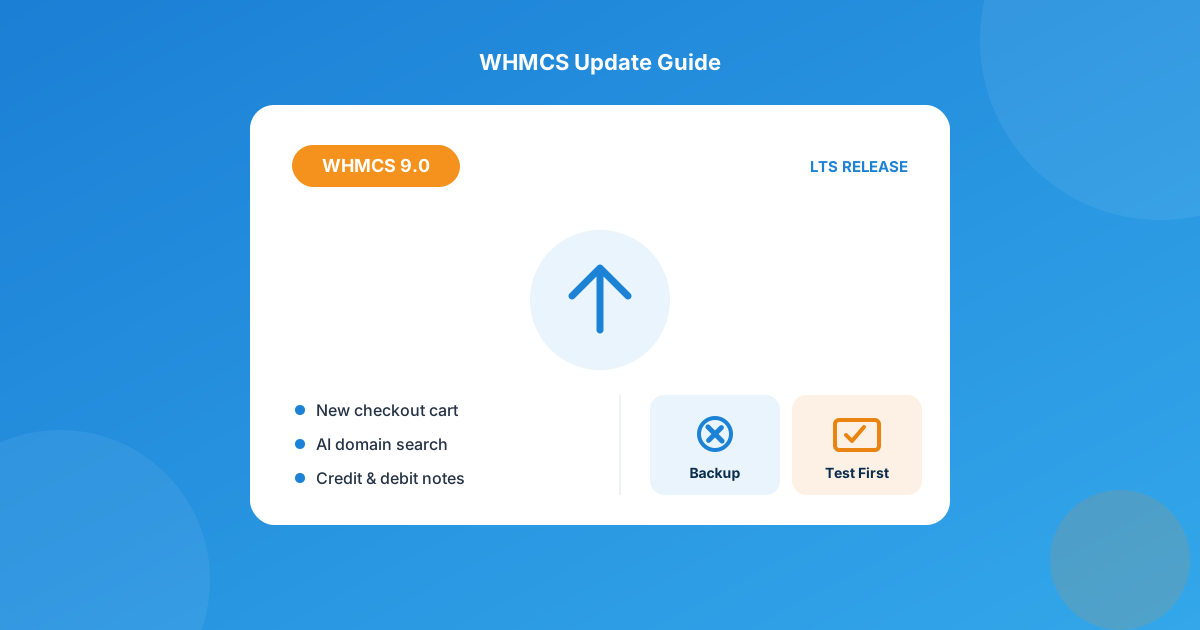
The current WHMCS release is version 9.0, first shipped December 2025 and eligible for Long-Term Support through December 31, 2026, with the older 8.13 branch still supported alongside it. If you’re on 9.0 you’ve already got the new Nexus cart, AI-assisted domain search, and automatic credit/debit notes; if you’re on 8.12 or earlier, you’re past end of life and need an upgrade plan before you touch anything in your WHMCS modules stack.
What’s Actually New in WHMCS 9.0
I’ll be honest — most “what’s new” posts pad out a changelog with fluff. Here’s what actually changes how you run your business day to day:
- Nexus cart experience. The checkout cart now updates dynamically — clients apply promo codes, add domains, and see tax recalculate without a page reload. Fewer abandoned carts from people bouncing off a slow checkout, in my experience.
- AI Domain Namespinning. Clients can type a description or a few keywords instead of guessing exact domain strings, and the cart returns AI-generated name suggestions alongside the usual exact-match search.
- Credit and debit notes, generated automatically. Any action that adjusts an invoice amount now creates a proper credit or debit note instead of just editing the line item. Non-draft invoices are immutable now too — no more silently editing a sent invoice and wondering why the numbers don’t match your accountant’s export.
- CSV support in ImportAssist. You’re no longer locked into importing from a specific system — ImportAssist now takes a plain CSV, which matters if you’re migrating off a spreadsheet-run billing process or a platform WHMCS doesn’t have a native importer for.
- Stripe Dynamic Payments. A new gateway module built on Stripe’s Optimized Checkout Suite that shows relevant payment methods based on the transaction context, rather than a static list.
- Tighter VAT compliance. Format validation for 29 EU countries plus tax-authority checks, with an option to auto-update VAT rules on a daily cron.
- Login rate limiting and a 2FA encryption health check. Ten failed logins in ten minutes now blocks the account automatically, and System Health flags any 2FA config that’s still stored unencrypted so you can migrate it.
None of this requires custom development to use — it’s baked into core. But it does require PHP 8.2+ (8.3 recommended) and ionCube Loader 13.0.2 or newer. Support for PHP 7.2 through 8.1 was dropped, which trips up more hosts than you’d expect on older shared servers.
Which WHMCS Version Should You Actually Be Running?
“Latest” and “right for you” aren’t always the same answer, especially if you’re running heavily customized templates or a handful of older third-party modules. Here’s where things stand:
| Version | Released | Support status | Notes |
|---|---|---|---|
| 9.0 (current) | December 2025 | LTS until Dec 31, 2026 | Requires PHP 8.2+, ionCube 13.0.2+ |
| 8.13 | April 2025 | LTS-eligible, still supported | Good landing spot if you need PHP 8.3 support without jumping to 9.0 yet |
| 8.12 and earlier | Dec 2024 and older | End of life | No security patches — plan a sequential upgrade now |
If you’re two or more major versions behind, WHMCS requires you to update through each intermediate release rather than jumping straight to 9.0 — read the release notes for every version in between, not just the destination.
How to Update WHMCS Without Breaking Anything
I’ve watched hosts skip every one of these steps at least once, usually right before a support ticket lands. Do it in this order:
- Back up the database and files first. Not “after I confirm it’s broken” — before you click update.
- Read the release notes for your target version, and every version in between if you’re skipping some. They call out breaking changes, deprecated hooks, and template changes.
- Test on a staging copy. Clone the install, run the update there, and click through your actual client-facing flows before touching production.
- Check third-party module and template compatibility. This is the step people skip, and it’s the one that actually breaks things — see below.
- Use the Automatic Updater unless you’re comfortable with the command-line path — it has the best success rate for most self-hosted installs.
- Put up a maintenance message so clients aren’t hitting a half-updated cart mid-checkout.
Where Third-Party Modules Actually Fit In
A major version bump is exactly when a module that’s worked fine for two years quietly stops working — not because it’s bad code, but because WHMCS changed a hook, a database table, or a required PHP version out from under it. Before you update, check that every module in your WHMCS modules stack has a changelog entry confirming 9.0 compatibility, not just a vague “works with latest WHMCS” claim on the sales page. If something’s custom-built or abandoned by its vendor, that’s the moment to get it patched rather than finding out during a live checkout. That’s the exact gap our Custom WHMCS Development team gets pulled into most often — auditing a module against a new core version before a client pulls the trigger on updating.
Common Upgrade Mistakes I See
- Jumping versions instead of going sequentially. Updating from 8.10 straight to 9.0 skips changes documented in the versions between — do it in order.
- Ignoring the PHP/ionCube requirement bump. If your host is still on PHP 8.1, the 9.0 updater will simply refuse to run. Check with your hosting provider first.
- Updating during business hours. Even a clean update takes the storefront offline briefly — do it during a low-traffic window with a maintenance message up.
- Assuming a heavily customized template survives untouched. Major releases sometimes change template variables. Diff your custom template against the default before assuming it still renders correctly.
Frequently asked questions
What is the latest version of WHMCS?
WHMCS 9.0 is the current release line, with 9.0.7 the latest point release as of late August 2026. It’s eligible for Long-Term Support through December 31, 2026.
How often does WHMCS release new major versions?
Roughly once a year for major versions — 8.13 shipped in April 2025 and 9.0 followed in December 2025 — with smaller point releases and security patches landing more frequently in between.
Will my WHMCS modules still work after I update to 9.0?
It depends entirely on the module vendor. Well-maintained modules get compatibility updates around major releases; anything custom-built or unmaintained needs to be checked and tested on staging before you update production.
Do I have to update through every version in between?
If you’re more than one major version behind, yes — WHMCS’s own documentation requires sequential updates through each intermediate release rather than a direct jump, and each of those releases has its own breaking changes to read through.
The bottom line
Staying current with WHMCS isn’t about chasing every new feature — it’s about not being the host running an unpatched, unsupported billing system with client payment data in it. Check your version, read the release notes for what’s between you and 9.0, back everything up, and test on staging before you touch production. If your module stack needs a compatibility pass first, that’s a far cheaper problem to solve now than after something breaks mid-update.
We audit WHMCS installs before major updates — checking custom modules, templates, and integrations for compatibility so nothing breaks in production. Or browse the marketplace for maintained, update-ready modules.
Browse WHMCS ModulesMCP Server for WHMCS
AI-Powered Billing
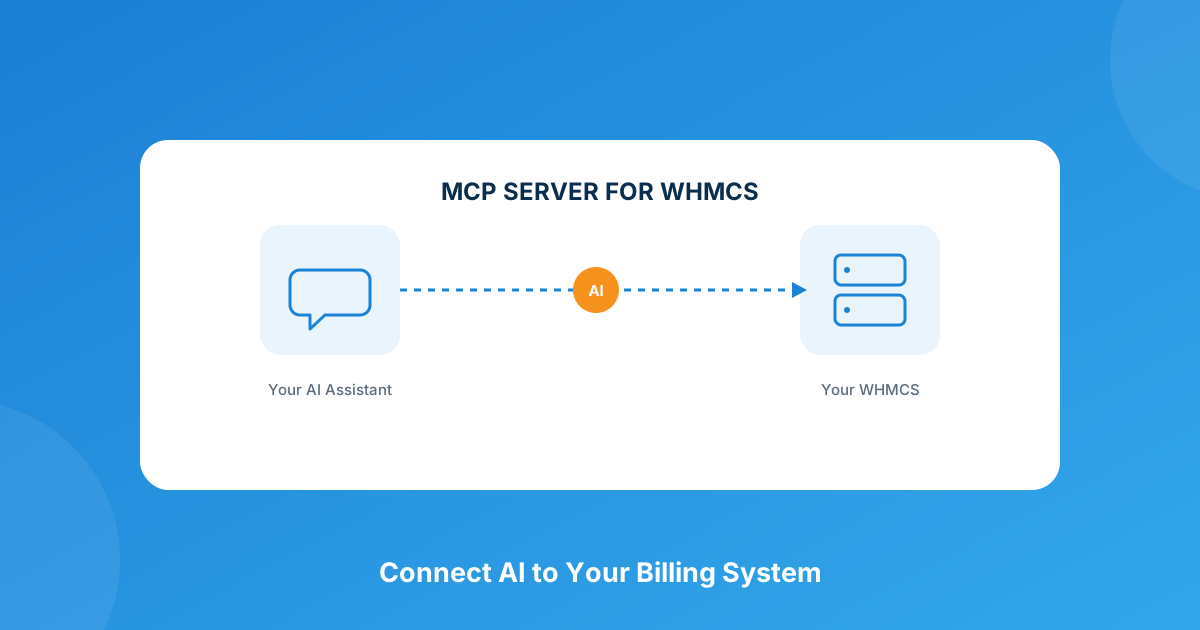
Connect AI assistants directly to your WHMCS install to manage clients, invoices, and services in natural language — no more digging through admin menus after every update.
Explore the Module View product details →Custom WHMCS Development
Bespoke Modules & Integrations
Need a module, gateway, or integration built around how your business runs? We build upgrade-safe, API-driven WHMCS solutions.
Get a Free Quote View services →