I’ve lost count of the number of tickets I’ve seen that start with “can you spin up a box on OVH for this client” — and every one of them means someone logging into the OVHcloud manager by hand, picking a datacenter, waiting for the install, then copying credentials into an email. It works. It also doesn’t scale past a handful of orders a week, and it’s the kind of manual step that quietly caps how much hosting business you can actually run.
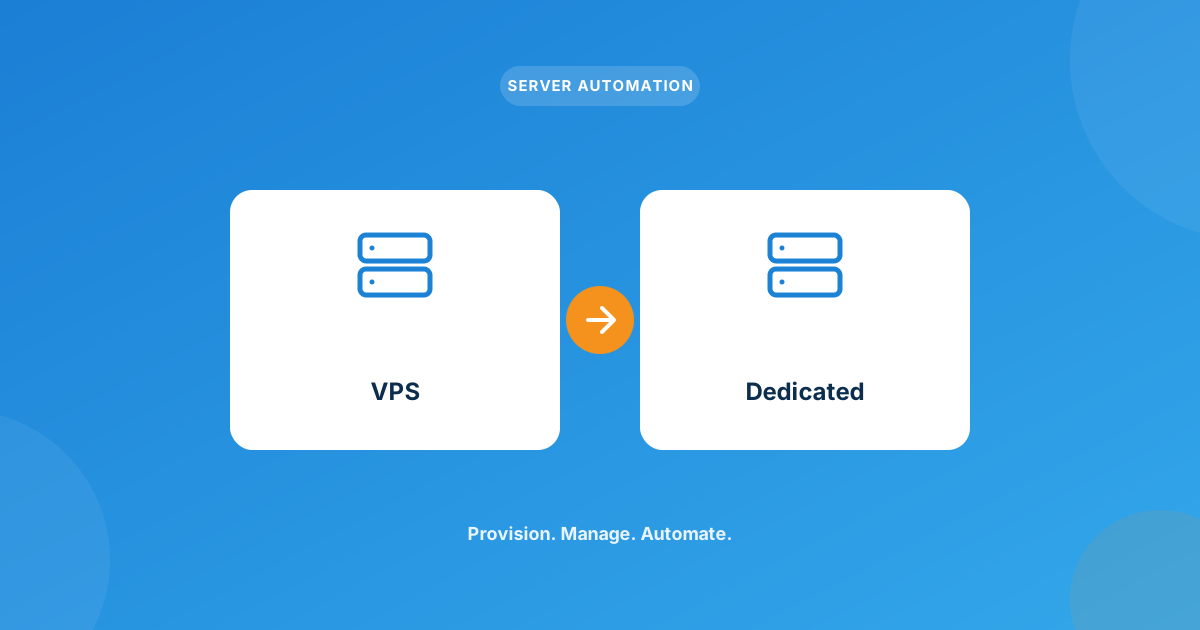
Yes — the OVH VPS & Dedicated Server module for WHMCS lets clients order and self-manage both VPS and dedicated boxes from OVHcloud entirely inside your client area: pick a datacenter and OS, get provisioned automatically, and power the server on/off, reboot, or open a console without ever touching the OVHcloud panel. Suspension, unsuspension, and termination stay tied to invoice status the same way any other WHMCS product does.
Why manual OVH provisioning breaks down
OVHcloud is genuinely good value for VPS and dedicated hardware — that’s exactly why so many resellers build a chunk of their catalog on it. The problem was never the servers. It was the gap between “client pays invoice” and “client has a working, accessible server,” which by default is a human being with OVHcloud panel access and a few spare minutes.
At five orders a month that gap is annoying. At fifty, it’s a full-time job, and it’s the same job whether the client bought a $6/month VPS or a four-figure dedicated box. Every manual step is also a place where someone forgets a datacenter, ships the wrong OS image, or emails a password to the wrong inbox.
What the WHMCS OVH module actually automates
I’m only describing what’s documented on the product page here — no guessing at capabilities. On the admin side, you get full lifecycle control without leaving WHMCS:
- Create, suspend, unsuspend, and terminate a server directly from the WHMCS admin area
- Configure product options per plan — datacenter location, OS image, and which client-area controls are exposed
- Automatic credential delivery by email as soon as provisioning finishes
- Suspension and unsuspension tied to the client’s payment status, same as any other automated product
On the client side, the module hands over real day-to-day control instead of a “contact support” button:
- Power on, power off, shut down, and reboot the server
- Console access for troubleshooting when SSH isn’t an option
- View and manage the configurable options tied to the order
Under the hood it covers 11 OVHcloud datacenters (BHS, DE, GRA, SBG, SGP, SYD, UK, WAW, YNM, EU-SOUTH-MIL, EU-WEST-RBX) and more than 35 OS images — AlmaLinux, Debian, Rocky Linux, Ubuntu, several FreeBSD and Fedora releases, and Windows Server through 2025. It needs WHMCS 9.0.3+, PHP 8.1–8.3, and ionCube Loader v13+ to run.
How an order actually flows through the module
This is the part that sells it to hosts who’ve been doing this by hand — the sequence below is what happens with zero manual intervention once it’s configured:
- Client places an order and picks a datacenter and OS from the configurable options on the product page
- WHMCS fires the module on order acceptance, which calls OVHcloud’s API to provision the VPS or dedicated server
- Login credentials are emailed to the client automatically once the box is ready
- The client logs into the WHMCS client area to power the server on/off, reboot it, or drop into the console
- If an invoice goes unpaid, suspension (and eventually termination) follows your normal WHMCS automation rules — no separate OVHcloud step required
OVH next to the other server modules in your stack
Most resellers don’t run a single provider — OVH tends to sit alongside a cloud-VPS line-up for clients who want different regions or price points. Here’s how it typically shakes out when you’re deciding where a new product line goes:
| Module | Server types | Typically chosen for |
|---|---|---|
| OVH VPS & Dedicated Server | VPS and dedicated, one module | Clients who want dedicated hardware options alongside VPS, wide OS selection |
| Hetzner Cloud Server | Cloud VPS | Budget-focused European cloud compute |
| Vultr Cloud Server | Cloud VPS | Broad global region spread, simple flat-rate instances |
| DigitalOcean | Cloud VPS (droplets) | Developer-leaning clients already on the DigitalOcean ecosystem |
The other three only cover cloud VPS. OVH is the one module in that line-up that also lets you sell true dedicated hardware — which matters the moment a client outgrows shared or VPS resources and wants a whole box to themselves. You can browse the full catalog of WHMCS server provisioning modules if you’re building out a multi-provider product line.
Where this doesn’t replace a sysadmin
Worth being honest about: the module automates the order-to-server pipeline and the day-to-day power controls — it doesn’t patch the OS, harden the box, or watch for downtime once it’s running. That’s still on you or whoever’s managing the client’s server after delivery. If you’d rather not carry that workload in-house, that’s a separate conversation from provisioning automation.
Frequently asked questions
Does the OVH module handle both VPS and dedicated servers?
Yes, one module covers both server types, so you’re not running separate integrations for your VPS line and your dedicated line.
Can clients manage their own server after it’s provisioned?
Yes — power on/off, shut down, reboot, and console access are all available directly in the WHMCS client area, without OVHcloud panel access.
What happens if a client’s invoice for their OVH server goes unpaid?
Suspension and unsuspension are tied to payment status the same way they are for any other automated WHMCS product, and termination follows your normal cancellation rules.
What are the requirements to run this module?
WHMCS 9.0.3 or newer, PHP 8.1–8.3, and ionCube Loader v13+.
The bottom line
If you’re selling OVH VPS or dedicated servers and still provisioning them by hand, you’re doing the exact repetitive work WHMCS automation exists to remove. The OVH VPS & Dedicated Server module closes that gap for both server types with one integration, and it’s worth pairing with whichever cloud-VPS modules you’re already running for other regions or price tiers.
Get the OVH VPS & Dedicated Server module for WHMCS, or talk to us about a custom integration if your setup needs something the off-the-shelf module doesn’t cover.
Get the ModuleOVH VPS & Dedicated Server
One Module, Both Server Types
Automate ordering, provisioning, and client-side power controls for OVH VPS and dedicated servers — no manual OVHcloud panel work.
Get the Module View product details →Custom WHMCS Development
Bespoke Modules & Integrations
Need a module, gateway, or integration built around how your business runs? We build upgrade-safe, API-driven WHMCS solutions.
Get a Free Quote View services →