Every host I talk to says the same thing eventually: “I didn’t get into this business to answer the same three tickets forty times a week.” Password resets, chasing overdue invoices, manually spinning up a cPanel account after a sale — none of it needs a human. It just needs WHMCS set up properly, and a few gaps filled in with the right tooling.
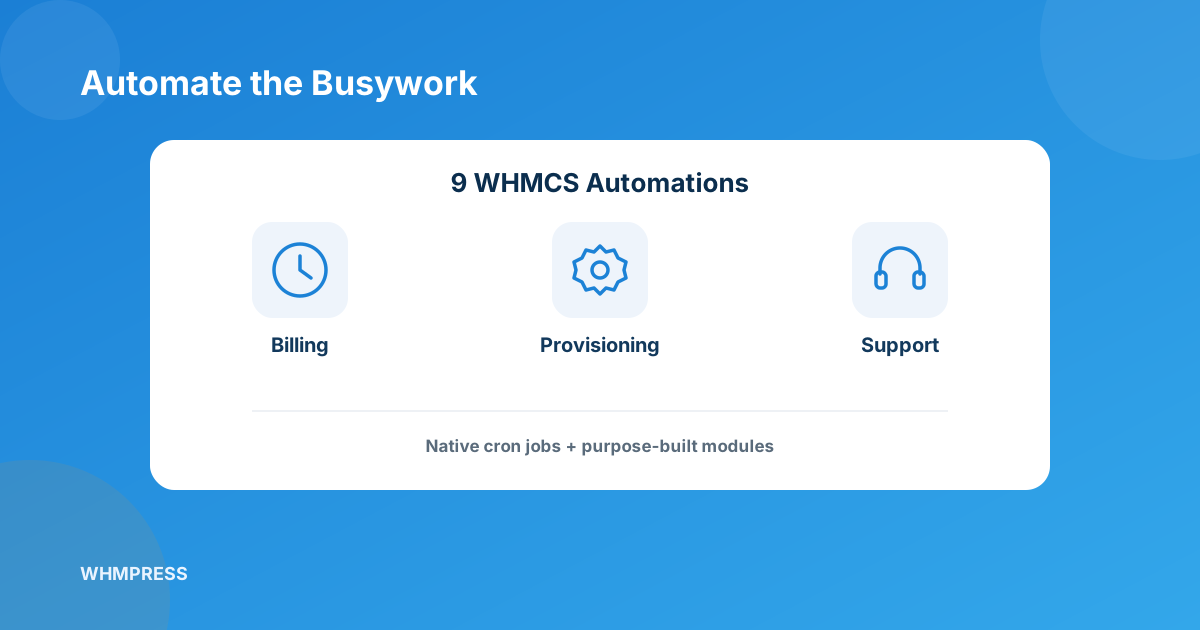
The biggest WHMCS automation wins come from four things WHMCS already does natively (billing, suspension, provisioning, domain sync) plus five common gaps — cart abandonment, email verification, guest invoice payment, password resets, and bulk pricing — that need a purpose-built module from the WHMCS module marketplace. Stack all nine and most one-to-five-person hosting teams get back 10+ hours a week.
Where the 10+ hours actually go every week
If you’ve never sat down and timed it, do this once: for a week, jot down every time you touch a client account manually. For most small-to-mid hosts it breaks into four buckets — chasing failed payments, resetting passwords for people who forgot theirs (again), manually provisioning or suspending accounts, and answering “where’s my invoice” or “how do I pay this without logging in” messages. None of that is billable work. It’s overhead that WHMCS, plus a handful of well-chosen modules, can quietly absorb.
4 automations already built into WHMCS — you just have to turn them on
These don’t need anything extra. They’re sitting in Setup > Automation Settings and the cron job, half-configured on most installs I’ve reviewed.
- Automated billing & dunning. WHMCS generates invoices on schedule, attempts to charge saved cards automatically, and fires configurable overdue reminder emails — no admin has to eyeball an aging report every morning.
- Auto suspend / unsuspend / terminate. Set your grace period once and WHMCS will suspend an overdue service, unsuspend it the moment payment clears, and terminate it after a set number of days unpaid — all via the daily cron.
- Automated provisioning. Any product tied to a server module (cPanel, Plesk, DirectAdmin, or a cloud provisioning module) creates the account the second an order is paid — no admin has to log into WHM and click “create account.”
- Domain sync and renewal. The domain sync cron keeps expiry dates, nameservers, and status pulled straight from the registrar, and auto-renew handles the actual renewal order — so nobody’s manually watching a spreadsheet of expiry dates.
If any of these feel “off” on your install — invoices going out late, suspensions not firing — it’s almost always a cron job that isn’t running on schedule, not a WHMCS limitation. Worth checking before you assume you need a module.
5 automations that need a bit of extra tooling
These are the gaps native WHMCS doesn’t cover on its own. Each one below is a real, common support-desk pain point, and each has a dedicated module built for exactly that job.
1. Recovering abandoned checkouts
A chunk of your traffic fills out the order form and just… leaves. The Abandoned Cart module captures those in-progress checkouts, then sends up to three configurable reminder emails on a delay you set, with a dashboard showing pending vs. recovered carts. It’s the closest thing to free revenue you’ll find in your funnel.
2. Verifying emails before an order provisions
Fraud and throwaway signups both start the same way — a fake or mistyped email address. Email Verification Extended holds client-area access and order processing until the client confirms a code sent to their inbox, with an optional OTP layer on login too. Support tickets are the one thing it still lets through unverified.
3. Letting clients pay without logging in
“I can’t remember my password and I just need to pay this invoice” is one of the most common tickets a billing department gets. Guest Invoice Login generates a secure, invoice-specific link clients can pay from directly — no account, no password reset — and syncs the invoice status back to WHMCS the moment it’s paid.
4. Resetting passwords without a back-and-forth
Password reset requests are constant, and they’re rarely urgent enough to justify a human touching them. The Client Password Reset module lets an admin reset a client’s (or sub-account’s) password and auto-generate a secure one in a couple of clicks, with the reset email going out automatically.
5. Repricing your whole catalog in one pass
Doing a currency-wide price bump, a promo on specific TLDs, or an annual increase across every billing cycle by hand is a great way to lose an afternoon — and introduce typos. Product Pricing Manager applies percentage-based changes across products, add-ons, and domain pricing in one bulk action, synced back to WHMCS instantly.
Native vs. module: what covers what
| Automation | Built into WHMCS? | Rough time saved/week |
|---|---|---|
| Invoicing, payment capture, dunning | Yes (native cron) | 2-3 hrs |
| Suspend / unsuspend / terminate | Yes (native cron) | 1-2 hrs |
| Account provisioning | Yes (server module dependent) | 2+ hrs |
| Domain sync & renewal | Yes (native cron) | 1 hr |
| Abandoned cart recovery | No — needs a module | Revenue, not just time |
| Email verification / fraud screening | No — needs a module | 1 hr |
| Guest invoice payment | No — needs a module | 1-2 hrs |
| Password reset handling | Partial — needs a module for admin-side speed | 1 hr |
| Bulk pricing updates | Flat-fee only natively; percentage needs a module | Hours per pricing change |
How to roll these out without breaking anything
Turn on the native four first if they aren’t already tuned — that’s a config change, not a new install, so there’s basically no risk. When you add modules, install and test one at a time in a staging copy of WHMCS before it touches live client accounts, and check the delay/reminder timings feel right for your audience before you walk away from it. Stacking five new modules in one afternoon is how a host ends up debugging which one caused a weird email to go out twice.
When it’s worth calling in custom development
Off-the-shelf modules cover the common 80%. If your workflow is genuinely unusual — a provisioning step tied to an internal system, a billing rule your registrar or gateway doesn’t support out of the box — that’s a hook or API integration, not a module you’ll find pre-built. That’s exactly the gap Custom WHMCS Development is for: upgrade-safe code built around how your business actually runs, instead of you working around WHMCS’s defaults.
Frequently asked questions
Do I need all 9 automations to see a real time difference?
No. Most hosts feel the difference from just the four native ones plus whichever single module solves their loudest support-ticket category — usually password resets or guest invoice payment.
Can WHMCS automate percentage-based price increases on its own?
Not natively — WHMCS’s built-in Bulk Price Updater only handles flat-fee adjustments. Percentage-based changes across products, cycles, or currencies need a module like Product Pricing Manager.
Will adding modules slow down my WHMCS install?
A handful of well-built modules from a single vendor, installed one at a time and tested in staging, shouldn’t cause noticeable slowdown. The risk comes from stacking many unrelated modules with overlapping hooks without testing.
What’s the fastest automation to set up this week?
Auto suspend/unsuspend/terminate — it’s a five-minute config change in Automation Settings and immediately stops overdue accounts from needing manual attention.
The bottom line
Most hosts are sitting on automation they’ve already paid for and never finished configuring. Get the native four dialed in this week, then pick one or two of the module-based gaps that match your loudest ticket category — you don’t need all nine on day one to feel the difference.
Browse the full module marketplace for ready-made automations, or if your workflow needs something custom-built, our team can wire it directly into your WHMCS install.
Browse WHMCS ModulesMCP Server for WHMCS
Let AI Run Your Automations
Connect WHMCS to AI agents and automate billing, provisioning, and support tasks through natural-language commands instead of manual admin work.
Get the Module View product details →Custom WHMCS Development
Bespoke Modules & Integrations
Need a module, gateway, or integration built around how your business runs? We build upgrade-safe, API-driven WHMCS solutions.
Get a Free Quote View services →