I’ve watched it happen at the support desk more times than I can count: a client forwards their invoice email to whoever’s paying — a partner, an accountant, a friend covering a birthday hosting gift — and that person hits the WHMCS login screen and just stops. No account, no password, no patience. The invoice sits there overdue, and a ticket titled “I can’t pay this??” lands in your queue instead of a payment.
WHMCS has no native setting that lets someone pay an invoice without logging in — it’s been an open feature request for years. The fix is a dedicated module like Guest Invoice Login, which generates a unique, secure link per invoice that opens straight to payment, no account required.
The login wall is quietly costing you money
Every invoice reminder WHMCS sends out assumes the recipient is the account holder, remembers their password, and is sitting at a device where autofill works. That’s a fair assumption maybe 70% of the time. The rest of the time you’re dealing with a shared hosting account someone else pays for, a client who set up their account eighteen months ago and never logs back in except to pay, or a mobile user who just wants to tap, pay, and get back to their day.
None of those people want to “recover password” their way into a client area to hand you money. Every extra step between “here’s your invoice” and “payment received” is a chance for the invoice to go overdue, for a suspension to trigger, and for a ticket to land on your desk instead of a receipt.
Does WHMCS have a native way to skip login for invoices?
No — and this one surprised me the first time a client asked, because it feels like such an obvious gap. WHMCS’s own feature request board has had “pay an invoice without logging in” open for a long time with no native resolution. Guest checkout exists for brand-new orders at the point of purchase, but that’s a different flow entirely — it doesn’t help an existing client’s existing invoice months later. If someone clicks an invoice link from their email and isn’t already authenticated, WHMCS sends them to the login form. There’s no toggle in Configuration that changes that.
That gap is exactly why an entire category of marketplace add-ons exists just to solve this one problem.
How a guest invoice link actually works
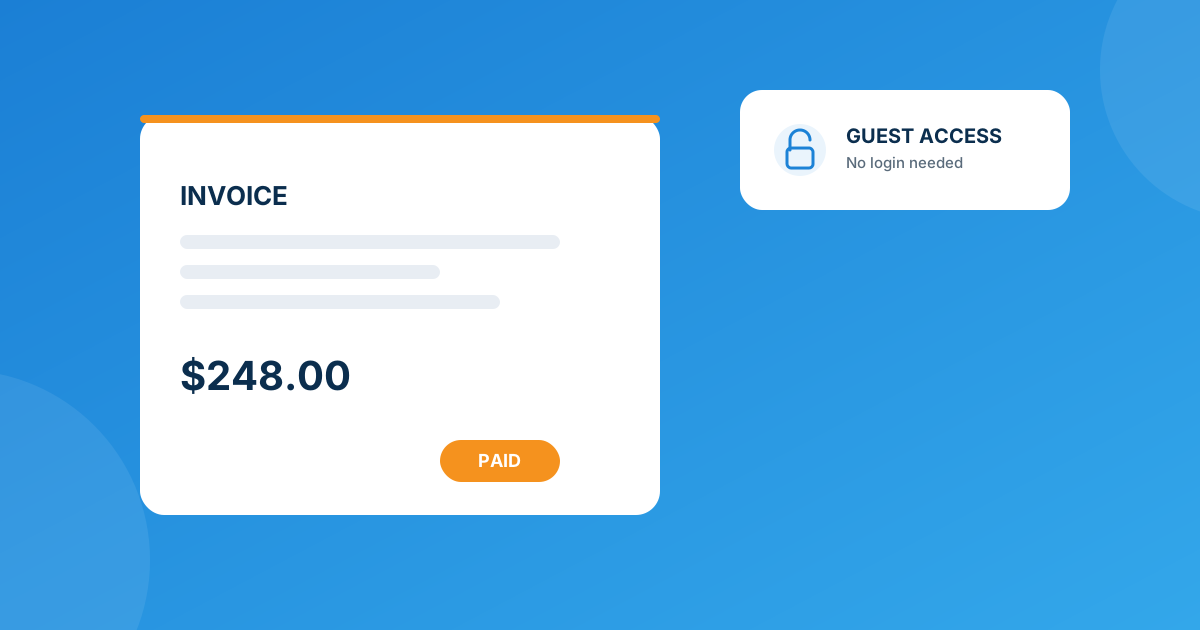
The mechanics are simpler than most billing automation. Guest Invoice Login generates a unique, secure URL tied to a specific invoice. Whoever opens that link lands directly on a payment page for that invoice — no account, no password, no “forgot your login” detour. A few things worth knowing about how it’s built:
- Links can be auto-sent — the module can attach the guest link to your invoice emails automatically, so it’s already there the moment a client (or whoever they’ve forwarded it to) opens the reminder.
- Clients can generate their own — from the View Invoice page inside the client area, a logged-in client can grab a guest link themselves and hand it off to someone else, without you doing anything.
- Admins can generate them manually — useful for the “hey can you just send me a payment link” support ticket, where you don’t want to walk someone through a login reset.
- You can see who’s actually opening it — the module tracks when an invoice was opened and how many times, which is a nice early-warning signal for invoices that are being ignored versus ones that were never seen.
- The payment page reflects your real payment gateways and updates the invoice status in WHMCS the moment payment clears — there’s no separate ledger to reconcile.
That’s a different job from an auto-login link
It’s easy to conflate “skip the login” with “auto-log the client in,” but they solve different problems. Auto Invoice Login gives a client a one-click link that authenticates them into their actual account and can auto-redirect them to a specific invoice, service, domain, or addon — useful for renewal emails where you want them fully inside the client area, not just looking at one payment screen. Guest Invoice Login skips the account entirely. If your goal is “let anyone pay this one invoice,” you want the guest module. If your goal is “get my client into their dashboard without typing a password,” that’s the auto-login module.
| Feature | Guest Invoice Login | Auto Invoice Login |
|---|---|---|
| What it solves | Pay one invoice, zero login | One-click entry into the actual client account |
| Requires an account session? | No | Yes — client is auto-authenticated, just skips the password prompt |
| Link source | Auto-sent by email, client-generated, or admin-generated | Sent through WHMCS email templates |
| Expiration control | Not specified on the product page | Adjustable expiration period, set from the module dashboard |
| Activity tracking | Logs when an invoice was opened, and how many times | Detailed logs — IP, timestamps, access patterns |
| Theme requirement | None stated | Six, Twenty-One, or Lagom client theme only |
Setting it up without breaking your billing flow
This isn’t a rip-and-replace of your invoicing — it layers on top of what you already have.
- Install and activate the module, then confirm your existing payment gateways are still showing up correctly on the guest payment page — the module inherits whatever gateways are already active in WHMCS.
- Turn on auto-send for guest links in your invoice/reminder emails, so the link is already in the client’s inbox instead of something you have to generate reactively.
- Brand the guest payment page to match your site, so a first-time payer (the friend, the accountant, the coworker) doesn’t land somewhere that looks unfamiliar or, worse, spammy.
- Decide who gets manual links versus auto-links. High-touch clients who call in are often faster served with an admin-generated link on the spot; everyone else can just get the automatic version.
Because each link is unique to its invoice rather than a shared or guessable pattern, you’re not opening a general “anyone can browse invoices” hole — you’re opening exactly one door per invoice, and only for as long as that invoice exists.
When this isn’t quite enough
Sometimes the request is more specific than “let people pay without logging in” — maybe you want guest links restricted to certain product types, or wired into a client portal you’ve built outside WHMCS, or gated behind a condition the module doesn’t expose out of the box. That’s a job for custom WHMCS development rather than forcing a general-purpose module to do something bespoke — better to build it upgrade-safe from the start than to patch a plugin every time WHMCS ships an update.
Frequently asked questions
Is it actually safe to let people pay invoices without logging in?
Each guest link is a unique, secure URL generated per invoice rather than a predictable pattern, so it only grants access to that one invoice — not to the client’s account, history, or other services. It’s a narrower exposure than a full login, not a wider one.
Will this work with the payment gateways I already have set up?
Yes. Guest Invoice Login integrates with WHMCS’s native billing system, so the guest payment page reflects whichever gateways are already configured — you’re not adding a separate payment stack.
Can I still require login for some invoices and not others?
You control this by choosing where the guest link gets used — auto-send it on every invoice email, generate it manually only for clients who ask, or let clients pull their own link from the View Invoice page. There’s no requirement to expose it everywhere at once.
What if the invoice link gets forwarded to the wrong person?
The link only opens a payment view for that specific invoice — not the account dashboard, other invoices, or service details — so a forwarded link exposes the invoice amount and a way to pay it, nothing more.
The bottom line
WHMCS was never built to make invoice payment login-free — that decision has been a standing feature request rather than a setting you can flip. If overdue invoices and “how do I pay this” tickets are a recurring headache, a guest invoice link closes that gap directly, while an auto-login link solves the related-but-different problem of getting your own clients into their account without a password prompt. Pick the one that matches what you’re actually trying to fix.
Guest Invoice Login turns every invoice into a payable link, no account required. Need something more tailored — restricted by product, wired into a custom portal, or built around a specific workflow? Our Custom WHMCS Development team builds that too.
Get Guest Invoice LoginGuest Invoice Login
Pay Without Logging In
Enable clients to pay their invoices instantly without logging in — secure per-invoice links, auto-sent or generated on demand.
Get the Module View product details →Custom WHMCS Development
Bespoke Modules & Integrations
Need a module, gateway, or integration built around how your business runs? We build upgrade-safe, API-driven WHMCS solutions.
Get a Free Quote View services →