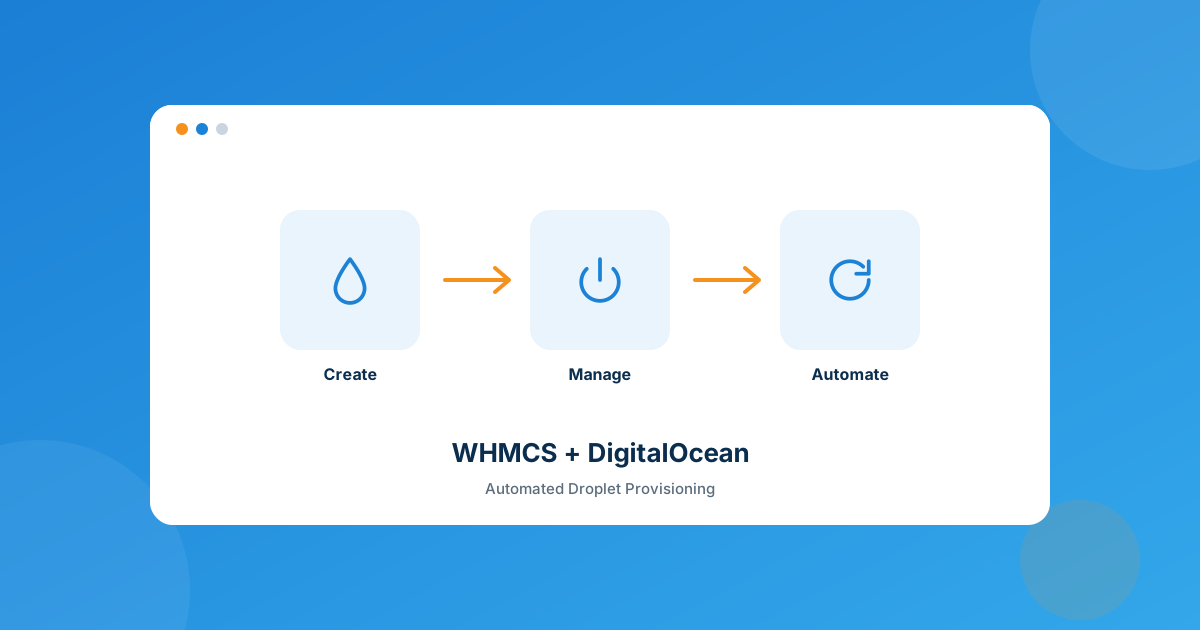
I hear this from resellers constantly: “I want to sell DigitalOcean droplets, but I don’t want to be the one logging into the DO control panel every time someone checks out.” Fair complaint. DigitalOcean’s dashboard is clean, but it was never built to talk to your billing system — so without something bridging the two, every order becomes a manual job: create the droplet, copy the root password into an email, wait for the client to reply asking for a reboot three days later. The DigitalOcean module for WHMCS closes that gap by turning droplet orders into an automated pipeline instead of a to-do list.
The WHMCS DigitalOcean module lets you sell DigitalOcean droplets as regular WHMCS products — creation, suspension, and termination fire automatically off the order/renewal/cancellation events you already have, and clients get a self-service panel for power controls, OS rebuilds, password resets, and snapshots. No more hand-provisioning droplets one at a time.
Why Hand-Provisioning DigitalOcean Doesn’t Scale
It’s fine at low volume. One or two droplet orders a week, you log in, spin one up, done. The problem shows up the first time volume spikes — a flash sale, a referral push, whatever. I’ve seen a one-person hosting shop lose an entire Saturday because eleven droplet orders landed in three hours and every single one needed the same six manual steps: pick a region, pick an image, create the droplet, wait for it to boot, grab the IP and root password, paste them into a reply email. Multiply that by eleven, add in the two clients who emailed asking “is my server ready yet?” halfway through, and you’ve burned a day you didn’t plan to spend on data entry.
That’s the actual cost of skipping automation here — not that manual provisioning is impossible, but that it doesn’t survive contact with a busy day. A provisioning module turns “create the droplet” from a task on your list into a side effect of the order being paid.
What the Admin Side Actually Does
From the WHMCS admin area, the module handles the lifecycle end to end:
- Create, suspend, unsuspend, or terminate droplets tied to WHMCS order and service-status events, so you’re not manually mirroring account status in two systems.
- Configure product details at the package level — data center location, OS image, and plan — before the product ever goes live in your store.
- Choose which client-area features are exposed, like whether OS rebuilds are available to the client or handled by your support team only.
What Clients Can Do Without Opening a Ticket
This is where most of the support-load reduction comes from. Once the droplet’s live, clients get a client-area panel where they can:
- Power on, power off, shut down, or reboot the server
- Reset the server’s root password
- View full hosting info — server name, status, primary IP, and password
- Rebuild the OS using an available image, without a ticket
- Attach volumes and create snapshots, within the size limits you set as admin
Every one of those was a support ticket before. “Can you reboot my server,” “I forgot my root password,” “can I get a snapshot before I mess with this config” — that’s a meaningful chunk of first-line VPS tickets, gone, because the client can self-serve at 2am without waiting on your team’s timezone.
Configurable Options — Letting Clients Choose at Checkout
The module ships with configurable options you attach to the product, so the choices clients make at checkout map directly to how the droplet gets built:
| Configurable option | What it controls |
|---|---|
| Data Center | Which DigitalOcean region the droplet provisions into |
| Operating System | The image used at creation time |
| Backups | Whether automated backups are enabled as a paid add-on |
| IPv6 | Toggle IPv6 on for the droplet at order time |
| Volume | Attach a block storage volume alongside the droplet |
None of that needs a support ticket either — it’s all decided at checkout, and the module provisions accordingly.
Where This Fits Next to Your Other Cloud Modules
If you’re already running Hetzner or Vultr provisioning in WHMCS, adding DigitalOcean isn’t a rebuild — it’s the same pattern (product, configurable options, provisioning module) pointed at a different provider, which is genuinely useful if your clients have provider preferences or you want geographic coverage DigitalOcean’s regions cover better. The same logic extends to OVH and Linode/Akamai if you want to run a genuinely multi-cloud reseller lineup instead of betting on one provider’s uptime and pricing.
Compatibility and Licensing
| Requirement | Supported |
|---|---|
| WHMCS version | 8.7 through 9.0.3 |
| PHP version | 8.1, 8.2, 8.3, 8.4 |
| Loader | ionCube Loader v13 or later |
| Client themes | Six, Twenty-One, Lagom |
Every license comes with lifetime premium support and lifetime free updates, and there’s a 14-day free trial plus free installation and configuration if you want to test the provisioning flow against a real droplet before you commit.
Frequently asked questions
Does the DigitalOcean module handle SSL certificates or email hosting?
No — it’s scoped to droplet lifecycle management: creation, suspension, termination, and the client-area power controls, rebuilds, volumes, and snapshots described above. If you need SSL provisioning or mail alongside a VPS order, that’s a separate workflow — our Custom WHMCS Development team can wire that up around your specific stack.
Can clients reinstall the OS themselves, or does that need a ticket?
Rebuild is self-service in the client area — clients pick from the available OS images and rebuild without opening a ticket, as long as you’ve left that feature switched on for the product.
What WHMCS and PHP versions does it support?
WHMCS 8.7 through 9.0.3, PHP 8.1 to 8.4, with ionCube Loader v13 or later. It runs on the Six, Twenty-One, and Lagom client themes.
Is there a way to try it before buying?
Yes — WHMPress offers a 14-day free trial along with free installation and configuration, so you can run a real droplet through the provisioning flow before paying for a license.
The bottom line
Selling DigitalOcean droplets manually works right up until volume makes it stop working. The module doesn’t add anything DigitalOcean itself doesn’t already offer — it just wires droplet creation, suspension, and termination into the WHMCS events you already trigger through checkout, renewals, and cancellations, and hands clients a self-service panel for the stuff that used to be a ticket. If you’re provisioning more than a handful of droplets a month by hand, this is the point where automation pays for itself in the tickets it prevents.
Get the WHMCS DigitalOcean module and turn droplet orders into an automated pipeline — or if your setup needs something custom-built around it, our Custom WHMCS Development team can build that too.
Get the ModuleDigitalOcean Module
Automated Droplet Provisioning
Create, suspend, and terminate DigitalOcean droplets straight from WHMCS orders — clients get self-service power controls, rebuilds, and snapshots.
Get the Module View product details →Custom WHMCS Development
Bespoke Modules & Integrations
Need a module, gateway, or integration built around how your business runs? We build upgrade-safe, API-driven WHMCS solutions.
Get a Free Quote View services →