Every host I know eventually gets the same request from a client: “can I get a Vultr instance instead of shared hosting?” And every host I know handles it the same painful way the first time — logging into the Vultr dashboard by hand, spinning up the instance, emailing the client the root password, and hoping nobody forgets to bill for it next month. It works. It just doesn’t scale past a handful of orders.
WHMCS doesn’t provision Vultr servers out of the box — cloud providers like Vultr aren’t in its native module list. You need a dedicated provisioning module, like the Vultr Cloud Server module, to turn a paid order into a running instance automatically and hand clients real self-service control from their WHMCS account.
Why WHMCS Doesn’t Provision Vultr on Its Own
WHMCS ships with solid native support for the control-panel side of hosting — cPanel, Plesk, that world. Cloud infrastructure providers are a different story. Vultr, DigitalOcean, Linode, Hetzner, OVH — none of them are built into WHMCS. Each one needs its own provisioning module that speaks to that provider’s API and translates a WHMCS order into an actual running server.
Without one, “provisioning” a Vultr order means an admin doing it by hand in the Vultr control panel every single time — including every reboot request, every backup restore, every OS rebuild a client asks for. That’s fine at three orders a month. At thirty, it’s a second job.
What the WHMCS Vultr Module Actually Does
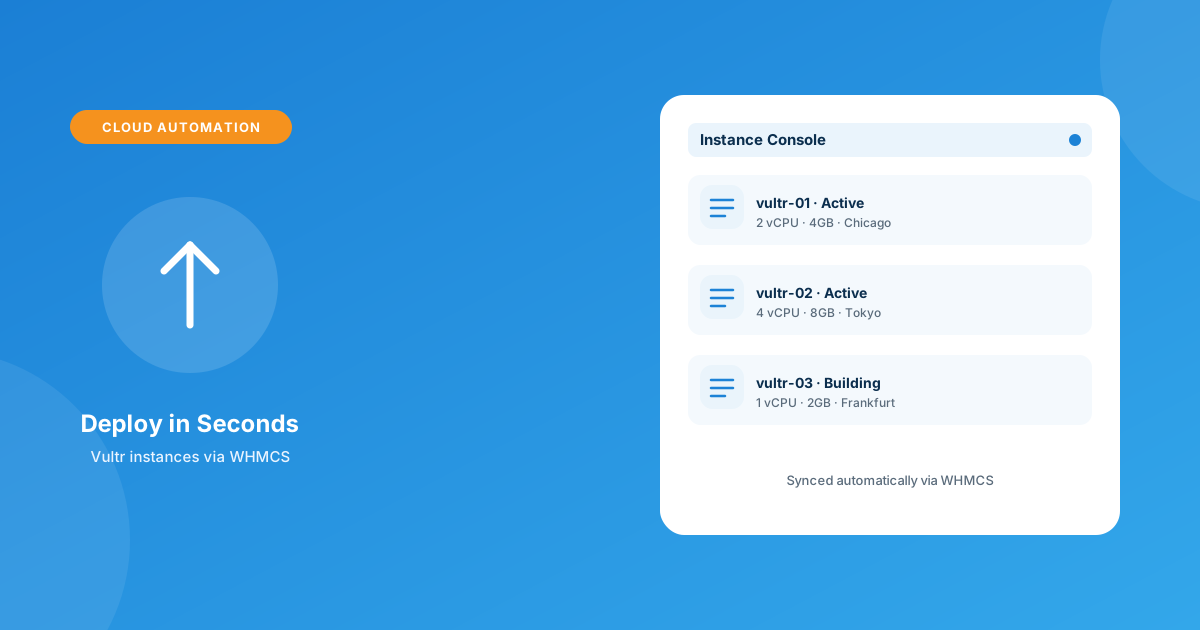
The Vultr Cloud Server module plugs Vultr directly into WHMCS’s order and client-account flow. On the admin side, it lets you create, suspend, unsuspend, and terminate instances with full detail from inside WHMCS, and configure each product with its own instance type, datacenter location, and OS — plus a script field to run a custom setup script the moment an instance comes online. You also control exactly which of the features below actually show up in the client area, and can toggle module logging for troubleshooting.
On the client side, this is where the support-ticket volume actually drops. Clients can power a server on or off, reboot it, and rebuild it with a fresh OS image — all without a ticket. They can see server name, status, and primary IP at a glance, list and manage their own automatic backup schedule, handle snapshots, and check bandwidth usage through an interactive graph. There are also dedicated Cloudflare pages built into the client area for DNS, cache, security, firewall, and analytics — useful if a client is already routing that domain through Cloudflare.
Configurable options cover location, operating system, backup settings, and IPv6 — so you can sell the same base product across multiple datacenters and let the client pick at checkout instead of you building a separate product for every region.
Manual Vultr Orders vs. the Automated Module
| Task | Manual (no module) | Vultr Cloud Server module |
|---|---|---|
| Order → live server | Admin logs into Vultr and builds it by hand | Provisions automatically on payment |
| Reboot / rebuild request | Ticket → admin action | Client self-service, no ticket |
| Backups & snapshots | Admin manages manually per client | Client manages from their own account |
| Suspend on non-payment | Manual, easy to miss | Tied to WHMCS billing automatically |
| DNS on the same domain | Separate Cloudflare login | Built into the client area |
Setting It Up
The setup itself is straightforward once you have API access from Vultr:
- Install and license the Vultr Cloud Server module and add your Vultr API key in the module’s admin settings.
- Create a new WHMCS product and set its provisioning module to Vultr Cloud Server.
- Configure the product’s instance type, default location, and OS — and add any post-provision script you want run automatically.
- Set the configurable options you want clients to choose at checkout: location, OS, backup plan, IPv6.
- Decide which client-area features (power controls, snapshots, Cloudflare pages) you want visible for this product tier.
- Run a test order end-to-end before pointing real traffic at the product page.
Compatibility-wise, the module supports WHMCS 8.7 through 9.0.3, PHP 8.1 through 8.4, works with the Six, Twenty-One, and Lagom client themes, and requires ionCube Loader v13 or later — worth a quick check against your current stack before you buy.
What This Actually Buys You
The honest pitch here isn’t “Vultr gets faster.” It’s that your support queue gets shorter. Every power-cycle, rebuild, and backup restore that used to be a ticket becomes something the client does themselves at 2am without waiting on you. If you’re already running other automations — abandoned-cart recovery, guest invoice payments, bulk pricing — this is the same category of fix: remove yourself from the loop on the repetitive stuff so the tickets that land in your queue are the ones that actually need a human. For anything the module doesn’t cover out of the box, custom WHMCS development can extend it to match your exact workflow.
If Vultr isn’t your provider of choice, the same automation logic applies elsewhere — WHMPress also has provisioning modules for Hetzner, DigitalOcean, OVH, and Linode/Akamai, so you’re not locked into one cloud to get the same self-service experience.
Frequently asked questions
Does WHMCS support Vultr provisioning natively?
No. WHMCS doesn’t include a built-in Vultr module — cloud providers like Vultr, DigitalOcean, and Linode all require a dedicated provisioning module to connect to WHMCS’s order and client-area system.
Can clients manage their own backups and snapshots?
Yes, with the Vultr Cloud Server module clients can list and manage their automatic backup schedule and handle snapshots directly from their WHMCS client area, without opening a ticket.
Does the module include Cloudflare DNS management?
Yes — it adds dedicated Cloudflare pages in the client area covering DNS, cache, security, firewall, and analytics for domains already routed through Cloudflare.
What WHMCS and PHP versions does it support?
WHMCS 8.7 through 9.0.3, and PHP 8.1 through 8.4, with ionCube Loader v13 or later required.
The bottom line
If you’re selling Vultr-backed VPS through WHMCS and still provisioning by hand, you’re doing your clients’ server admin for them for free. A dedicated Vultr provisioning module turns that into a self-service product — automatic on order, self-managed day to day, and one less thing sitting in your support queue.
Get instant provisioning, client self-service power controls, and built-in Cloudflare DNS with the Vultr Cloud Server module — or have our team build the exact workflow you need.
Get the ModuleVultr Cloud Server
Automated Cloud Provisioning
Turn Vultr orders into live instances automatically, with client self-service power controls, backups, snapshots, and built-in Cloudflare DNS pages.
Get the Module View product details →Custom WHMCS Development
Bespoke Modules & Integrations
Need a module, gateway, or integration built around how your business runs? We build upgrade-safe, API-driven WHMCS solutions.
Get a Free Quote View services →