

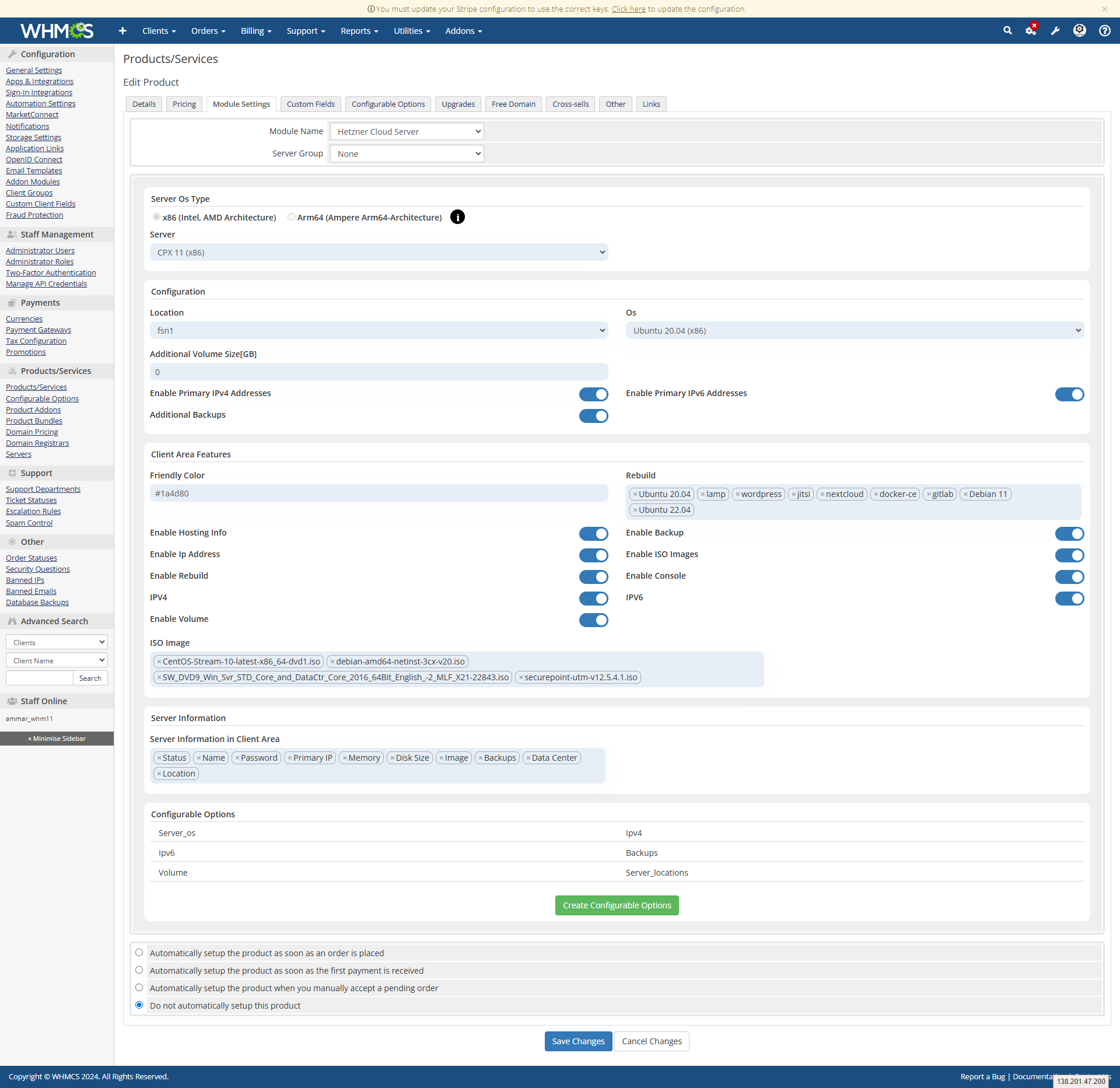
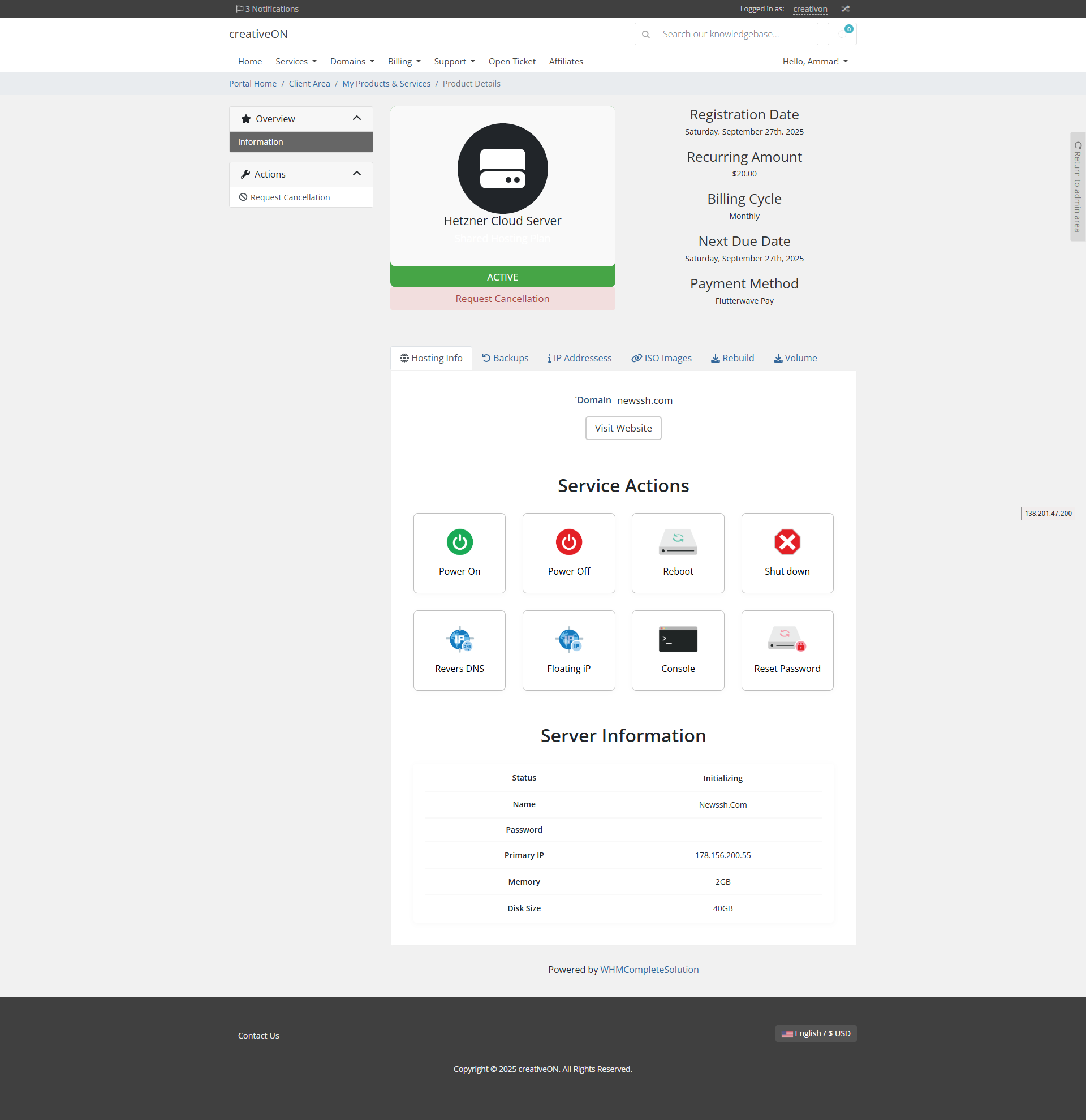
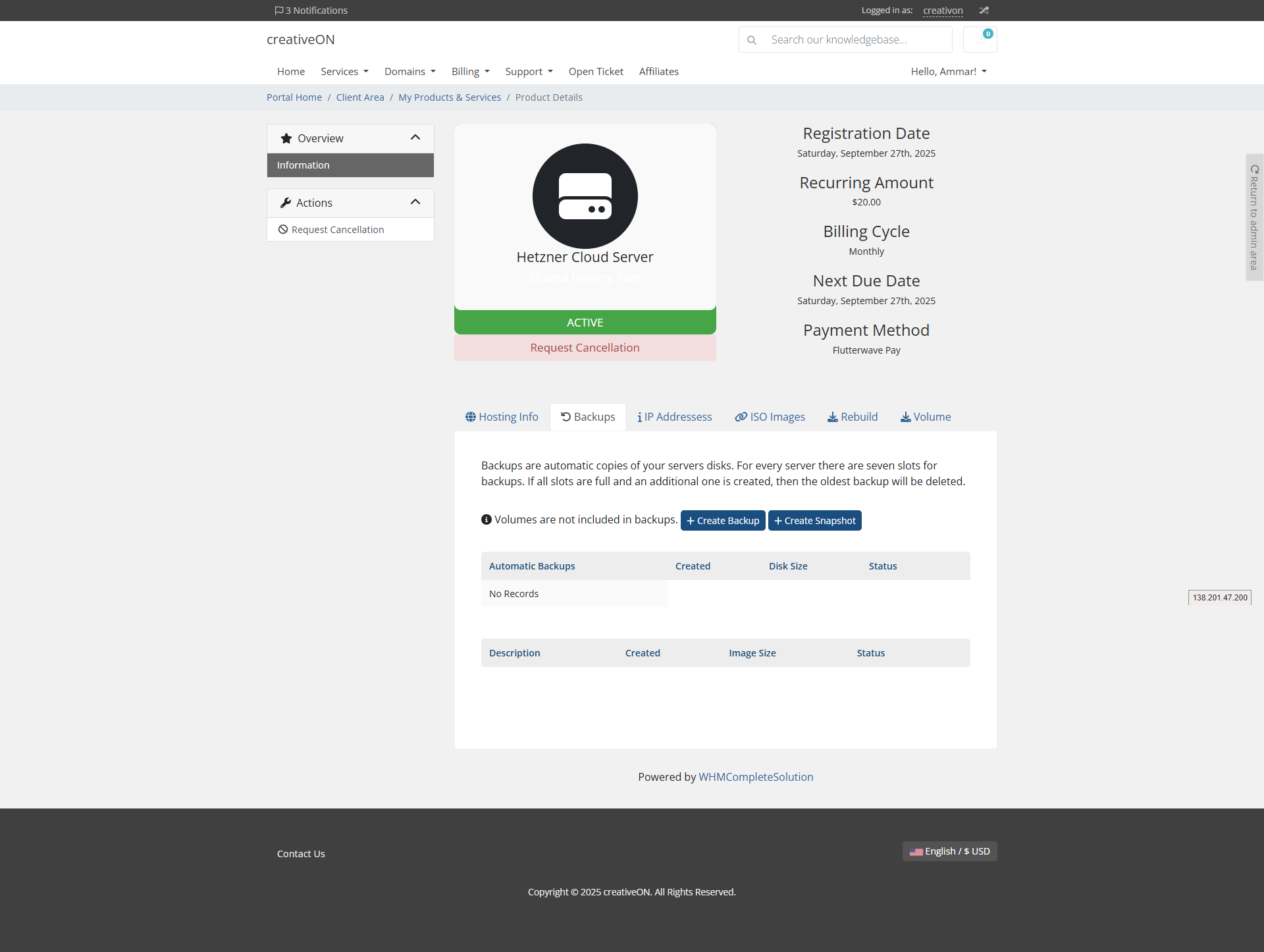
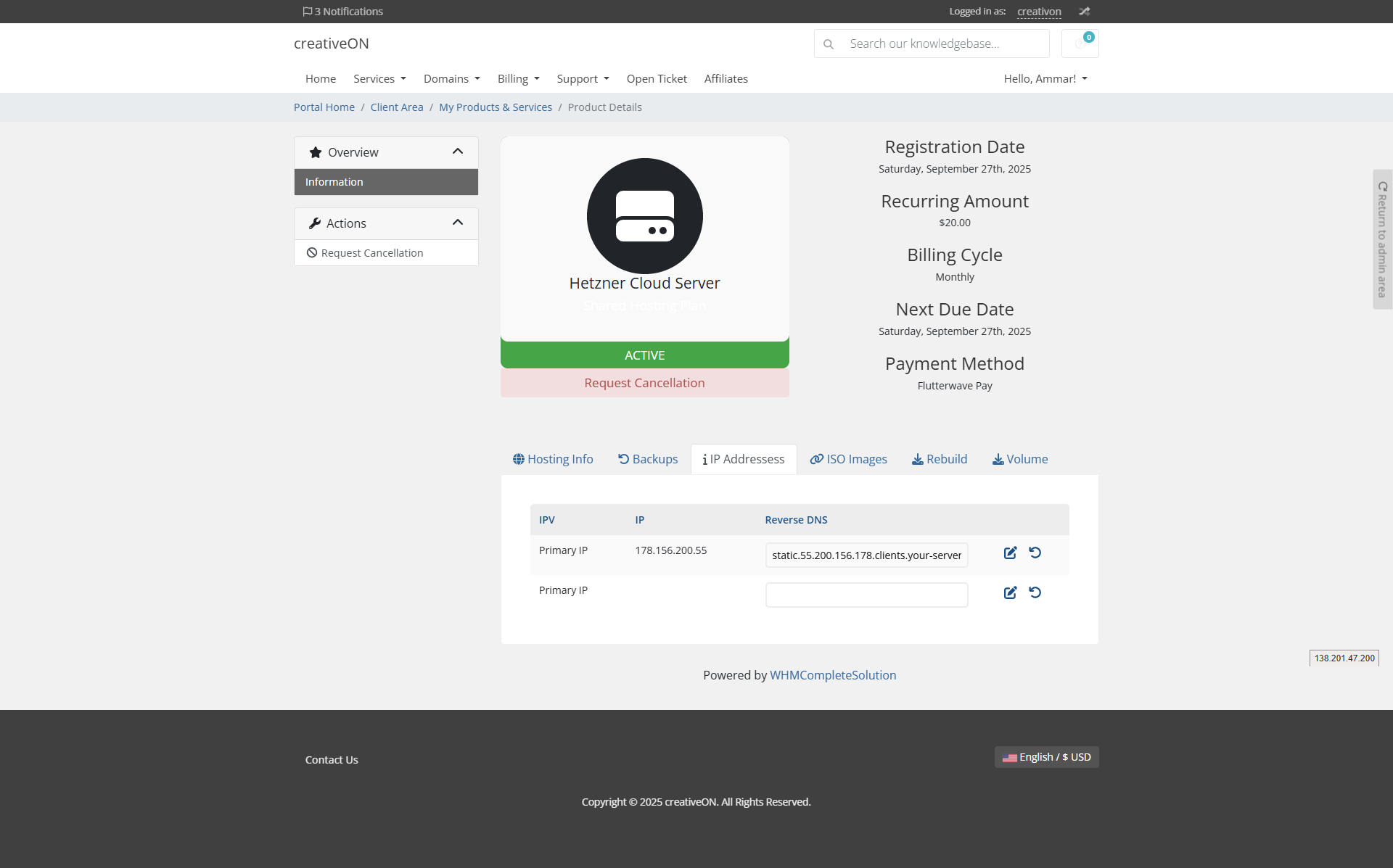

- Initial release of Binance Pay for WHMCS
- Full Binance Pay Merchant API integration (Create Order, Query Order, Close Order, Refund Order, Query Refund, Query Certificates)
- Live and Sandbox environment support with separate credential sets
- HMAC-SHA512 signed API requests with timestamp and random nonce
- OpenSSL RSA/SHA-256 webhook signature verification
- Inline QR code payment on invoice page
- Binance-hosted checkout modal/pop-up window
- Automatic payment detection with live status polling (every 10 seconds)
- Automatic invoice marking as paid upon successful payment confirmation
- Admin-initiated full and partial refunds from WHMCS invoice screen
- Pending refund tracking with automatic finalisation via webhook
- Binance commission recorded as invoice payment fee
- Duplicate payment protection with transaction ID checking
- Order expiry management with countdown timer
- Automatic order re-generation on expiry or cancellation
- Sub-merchant ID support for Binance Pay channel partners
- Configurable API base URL per environment
- Optional debug logging to WHMCS Module Log
- Webhook activity logging with signature validation results
- Extended transaction metadata (Binance transaction ID, merchant trade number, settlement amount, Binance commission, refund ID)
- Transaction Information support for payments and refunds
- Automatic database table creation on first use
- Multi-currency support with fallback currency list
WHMCS modules + WordPress plugins that bridge WHMCS into WordPress & WooCommerce.
COMING SOON
Blesta Modules — on the way
We're bringing our proven WHMCS modules to Blesta — payment gateways, registrars, provisioning and addons, rebuilt for the Blesta platform.
CAN'T WAIT?
Need a module tailored to your needs?
Our team builds custom Blesta modules, integrations and automation to your exact spec.
Contact us
30% OFF
Custom Development
Custom development by skilled professionals to scale your business faster.
39% OFFFull Hosting Setup
A complete hosting business built & automated for you.
30% OFFCustom WHMCS Development
Get custom modules built to fit your needs with powerful compatible solutions.
30% OFFServer Management
Boost your website with custom plugins for optimal performance and functionality.

Custom Development
FULL HOSTING SETUP-39%
Launch your hosting business
A complete WHMCS + WordPress hosting business — set up and connected for you.
Get started
Blesta ModulesBlesta modules — coming soon.
CUSTOM DEVELOPMENT
Need something tailored?
We build bespoke WHMCS modules, integrations and full custom solutions for your hosting business.
Talk to our developers
Custom DevelopmentCustom development by skilled professionals to scale faster.
Full Hosting SetupA complete hosting business built & automated for you.
Custom Module DevelopmentBespoke modules built to fit your needs.
Server ManagementProvisioning & maintenance for your servers.
CUSTOM DEVELOPMENT
Need something tailored?
We build bespoke WHMCS modules, integrations and full custom solutions for your hosting business.
Talk to our developers
DocumentationGuides to set up every module.
Videos GuidesWatch step-by-step video walkthroughs.
WHMPress DownloadsGet the latest builds & releases.
Free Hosting ThemeA free WHMCS/WordPress hosting theme.
FAQsAnswers to common questions.
CUSTOM DEVELOPMENT
Need something tailored?
We build bespoke WHMCS modules, integrations and full custom solutions for your hosting business.
Talk to our developers