Every host has a story like this: a “new client” signs up with an email that bounces, the order provisions anyway, and three weeks later you’re writing off the invoice and cleaning up the account. Multiply that by a busy month and it’s not a fluke anymore — it’s a hole in your checkout.
WHMCS doesn’t block a client from ordering just because their email looks fake or is typed wrong. To close that gap, you need to require a verification code before the client area and checkout unlock — a job the Email Verification Extended module handles directly, without you touching your provisioning logic.
Why one bad email address costs more than it looks like
On paper, a fake signup is nothing — you didn’t get paid, so what’s the harm? In practice, it’s rarely that clean. I’ve watched hosts auto-provision a trial hosting account or a domain reseller slot the moment an order comes in, because that’s the whole point of automating WHMCS. If the email behind that order was garbage, you’ve now spent server resources, a welcome email that bounced, and a support ticket queue slot on someone who was never going to pay.
Stack that up over a few dozen orders a month and it adds up to real infrastructure cost and real staff time — time that should’ve gone to clients who are actually going to renew.
What email verification actually blocks
- Bot and script-driven signups. Automated order bots almost never bother completing a real inbox verification step, so this alone filters out a big chunk of junk.
- Typo’d addresses from real people. A client who fat-fingers their own email won’t get their invoices, password resets, or renewal notices — verification catches that before it becomes a support ticket three months later.
- Throwaway signups used to test stolen cards. Fraudsters testing payment methods rarely want to sit through a verification step, so raising that one small barrier removes a lot of the low-effort attempts.
Your options for verifying client emails in WHMCS
Most hosts land on one of three approaches. Here’s how they actually compare once you’ve lived with them for a while:
| Approach | What it actually stops | Client area gated? | Setup effort |
|---|---|---|---|
| Manual order review by staff | Whatever a human happens to catch, after the fact | No — reactive, after provisioning | None to set up, but ongoing manual work forever |
| Basic confirmation email link | Confirms an inbox exists, eventually | No — order can still process before it’s clicked | Minimal, but weak on its own |
| Email Verification Extended | Fake, bot, and mistyped addresses, before checkout completes | Yes — client area and order processing stay locked until the code is confirmed | Install and configure in your existing WHMCS, no dev work |
How Email Verification Extended actually handles it
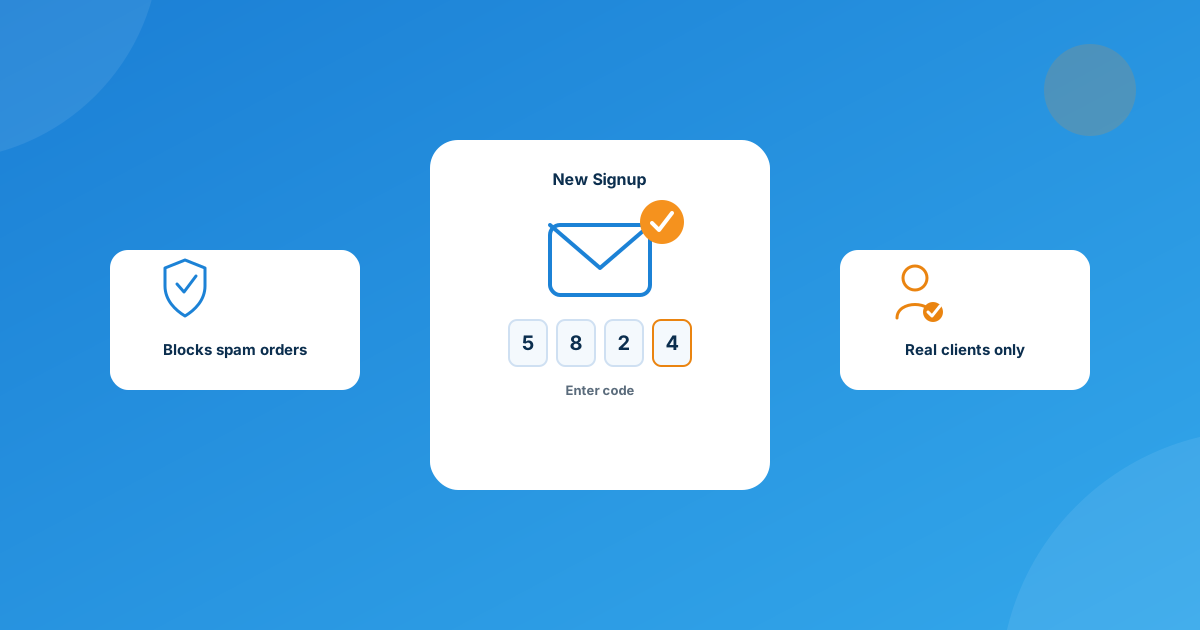
The module’s job is simple and specific: after a client places an order, WHMCS sends them a verification code by email. They can’t get into the client area or have that order processed until they enter the correct code back. Support ticket submission stays open the whole time, so a slow or spam-filtered email doesn’t leave a genuine client stuck with no way to reach you.
A few details worth knowing before you turn it on:
- Optional OTP on login too. Admins can extend the same one-time-password check to registration and login attempts, not just the initial order — useful if account takeover is more of your worry than fake signups.
- Customizable email templates. The verification email itself uses the module’s built-in variables, so it can carry your own branding and wording instead of a generic system notice.
- Multi-language ready. Text displays according to whatever language the client has selected in WHMCS, so it doesn’t break your localization if you serve clients outside English-speaking markets.
- No custom code required. It installs and configures inside your existing WHMCS setup and is built to run on WHMCS 8.7 through 8.12 on PHP 8.1–8.4, alongside the standard Six, Twenty-One, and Lagom themes.
Rolling it out without annoying real customers
The failure mode to avoid here isn’t spam getting through — it’s a real paying client bouncing off your checkout because verification felt like a hassle. A few things that help:
- Keep the verification email short and obviously from you — a client who doesn’t recognize the sender is more likely to ignore it or mark it as spam.
- Remember that ticket submission stays open for unverified clients, so make sure your support team knows to expect the occasional “I never got my code” ticket and can point them to check spam or resend it.
- Decide up front whether you want OTP on logins too, or just on new signups — turning on more friction than you need just to be thorough usually isn’t worth the support load it creates.
Frequently asked questions
Does this stop typo’d email addresses, not just spam bots?
Yes. Since the verification code has to land in an actual, reachable inbox before the client area unlocks, a mistyped or fake address never makes it past the gate — whether a bot entered it or a real person just fat-fingered their own signup.
Will real customers get locked out while they wait on the verification email?
No. Clients can still open a support ticket without verifying first, so if the email is slow or lands in spam, they’ve got a way to reach you. Once they enter the correct code, the client area and order processing unlock right away.
Do I need to touch WHMCS’s core code to add this?
No. Email Verification Extended installs like any other WHMCS module and configures from inside your existing admin panel — no custom development required, and it’s built for WHMCS 8.7–8.12 on PHP 8.1–8.4.
Can I require the same code for logins, not just new signups?
Yes. Admins can enable OTP verification for registration and login attempts as well, if you want that extra layer beyond just the initial order.
The bottom line
A handful of fake signups a month looks harmless until you tally up the wasted provisioning, the support tickets that go nowhere, and the chargeback risk sitting behind them. Gating your client area behind one confirmed, real inbox is a small piece of friction that pays for itself the first month it catches something.
Add code-based email verification to your WHMCS checkout with Email Verification Extended, or if your fraud-screening needs are more specific to how your business runs, our Custom WHMCS Development team can build it around your exact workflow.
Get the ModuleEmail Verification Extended
Gate Signups, Not Support
Blocks spam orders and fake registrations by requiring a confirmed verification code before the client area and order processing unlock.
Get the Module View product details →Custom WHMCS Development
Bespoke Modules & Integrations
Need a module, gateway, or integration built around how your business runs? We build upgrade-safe, API-driven WHMCS solutions.
Get a Free Quote View services →