

Navigate to Server:
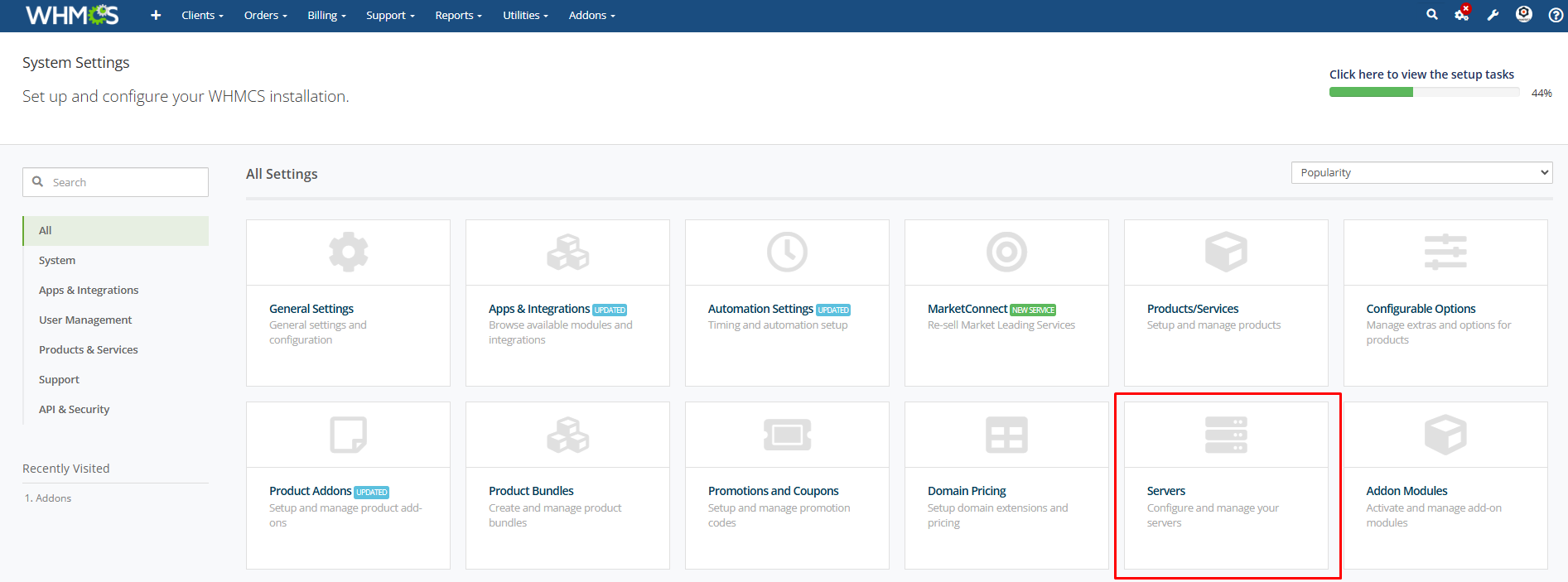
Add a New Server For Linode (Akamai Cloud) Server.
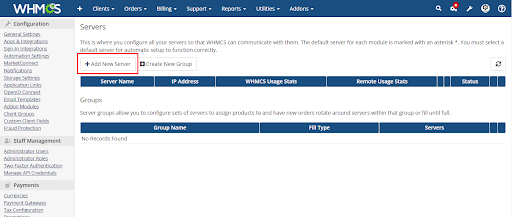
Select the Module Linode Server, Enter the Username or Password, And Click Continue.
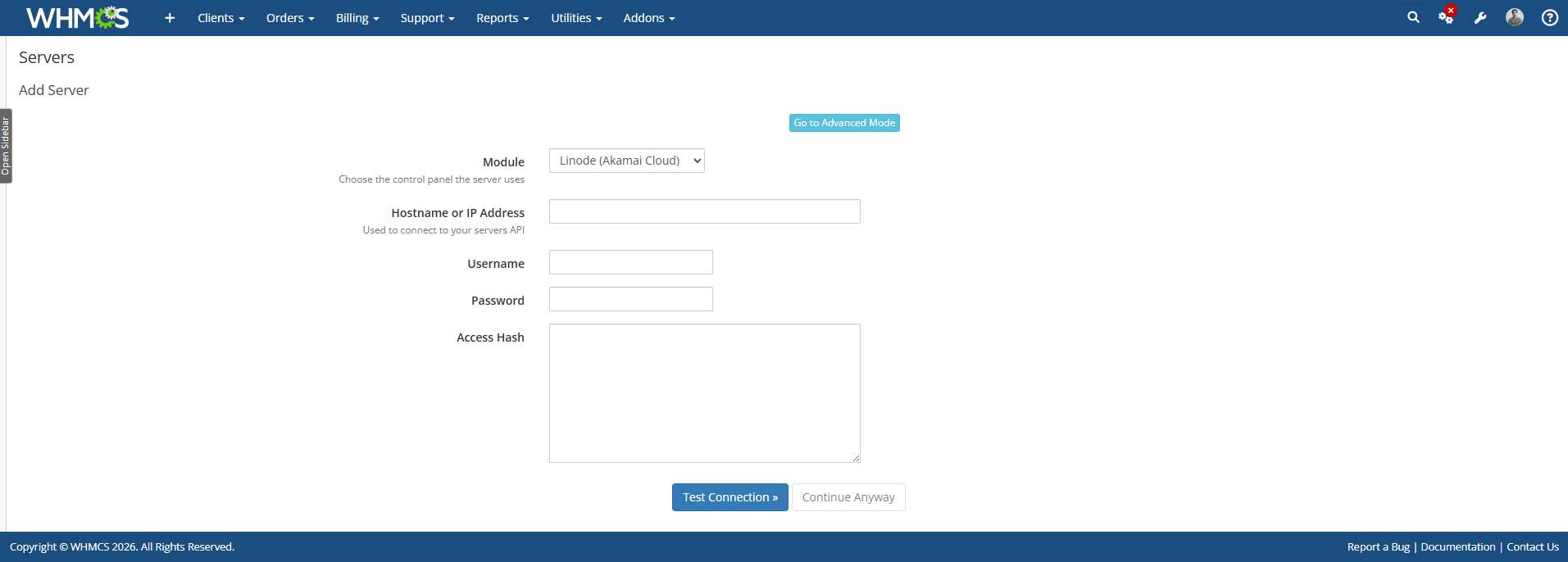
Now add the product for the Linode Server. Navigate to System Settings> Product and Services.
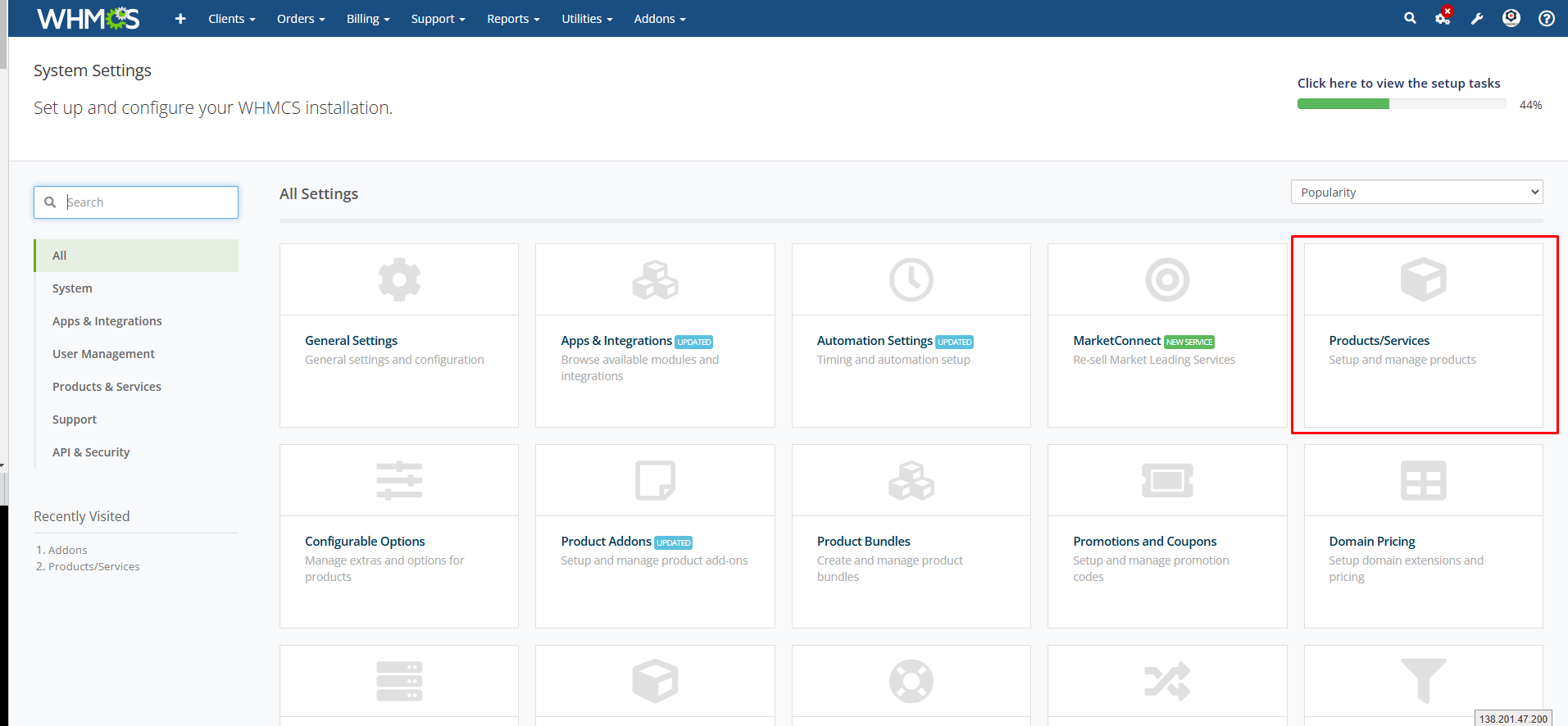
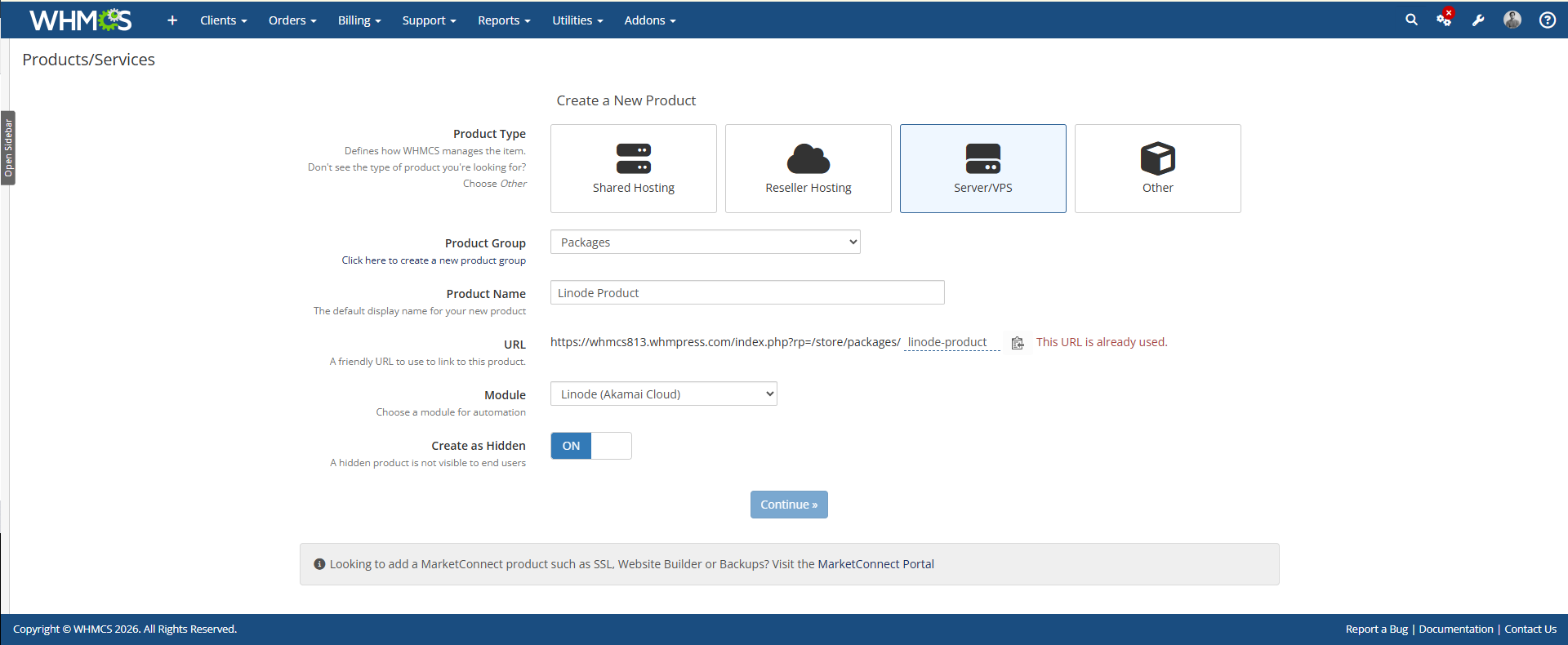
Select the Product type Server VPS. Enter your product name. Select the module Linode Server.
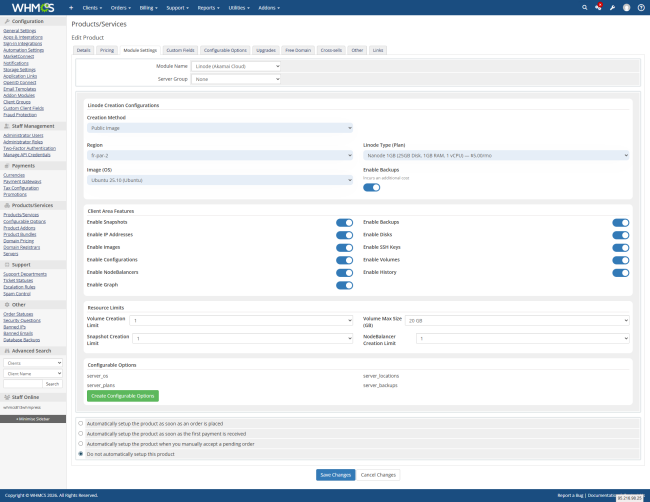
Now navigate to the module settings and select all the options according to your Choice
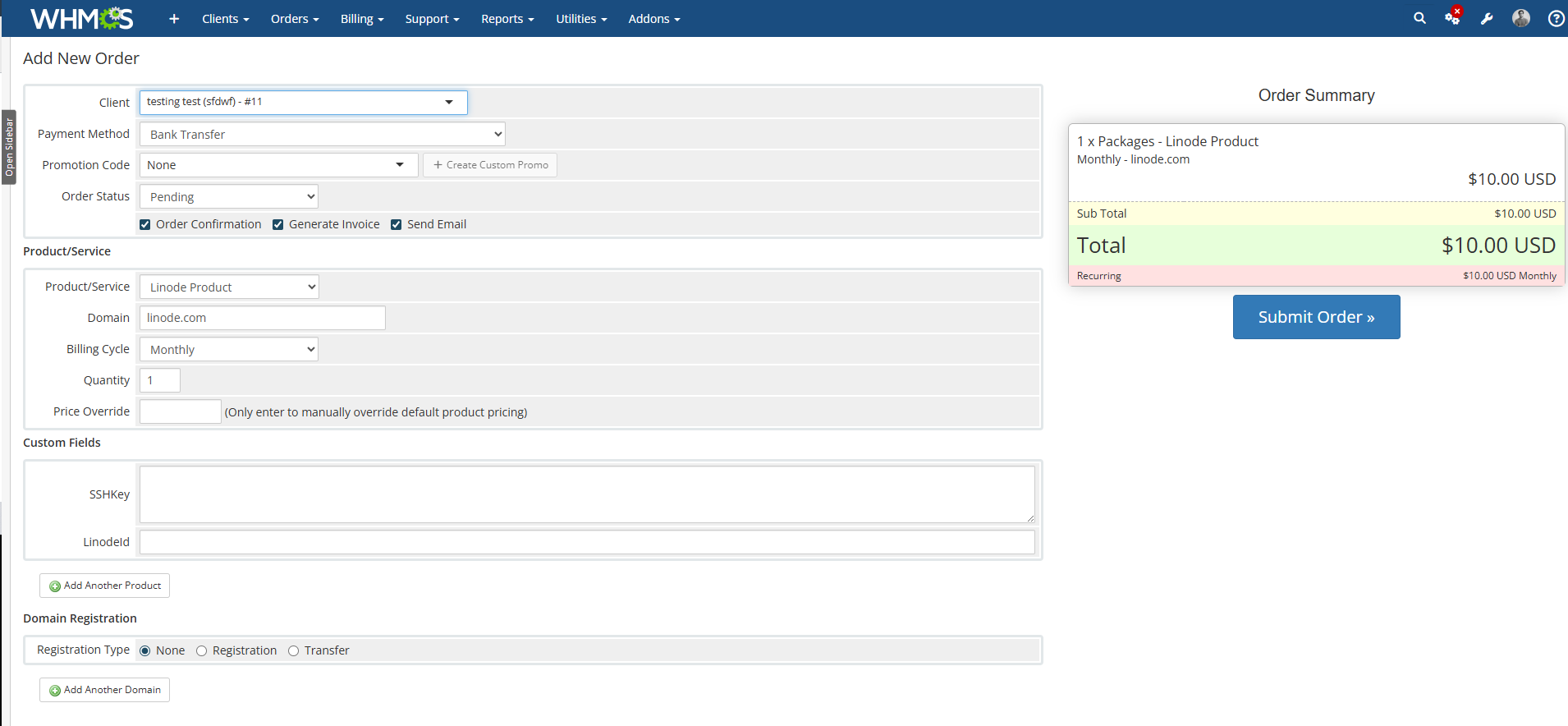
Now place an order for the product you have created for the MailCow Server and add your domain name.
After placing the order then login to your client area and check all the features that you have selected from the module setting are displayed.
Conclusion:
Thank you for reviewing this document. If you have any questions or need further assistance, please feel free to reach out.
[ WHMPRESS.com ]
[ [email protected] ]