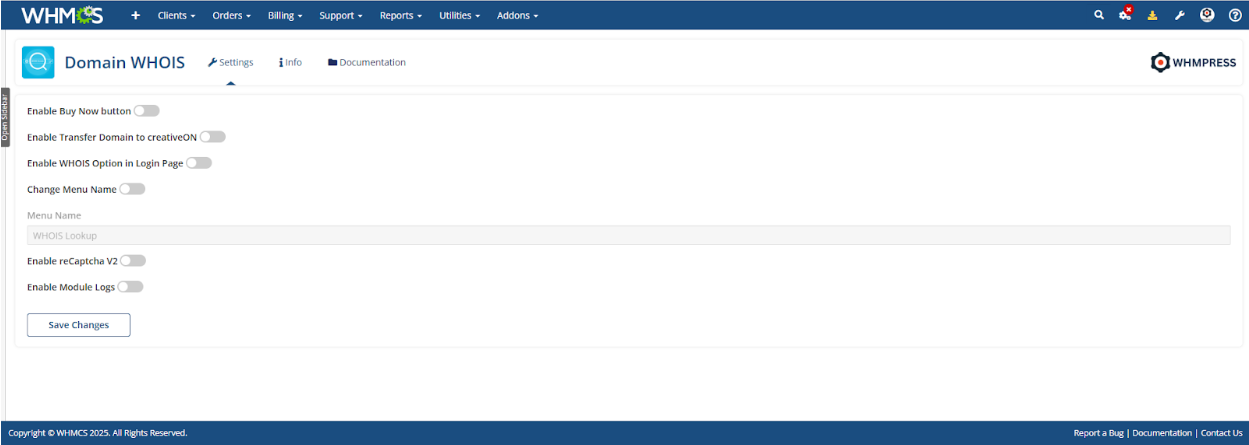
Domain WHOIS Module Dashboard.
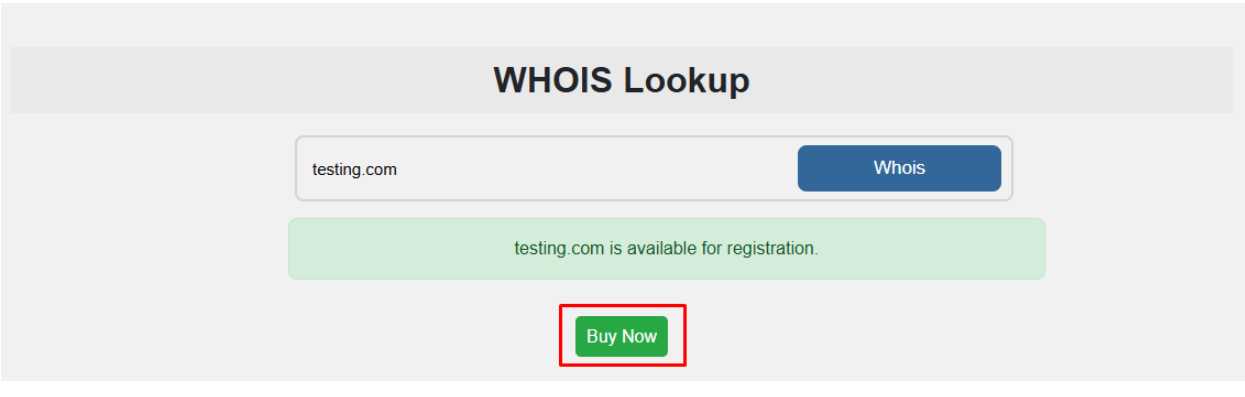
Enable Buy Now Button
When enabled, users will be able to purchase domains directly.
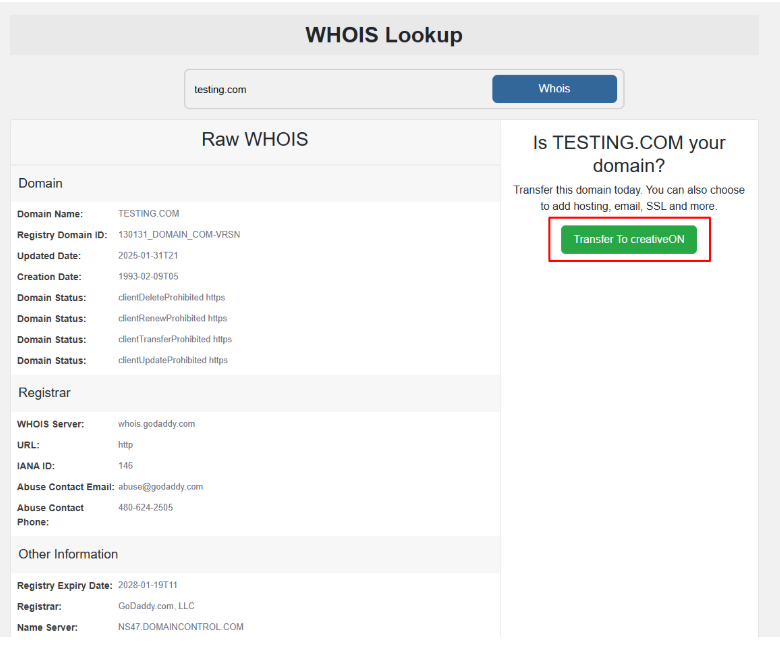
Enable Transfer Domain to creativeON
When enabled, users will be able to transfer their domains to creativeON
Enable WHOIS Option on Login Page
When enabled, clients can perform a WHOIS lookup without logging into the client area.
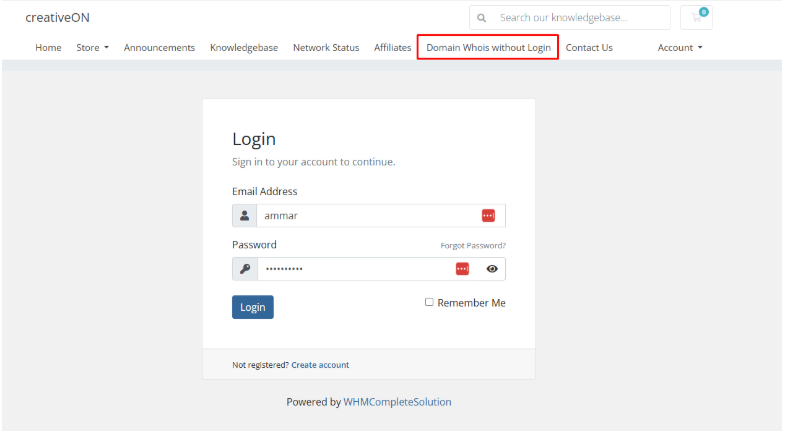
Change Menu Name
When enabled, you can customize the menu name of the domain WHOIS module in the client
area.
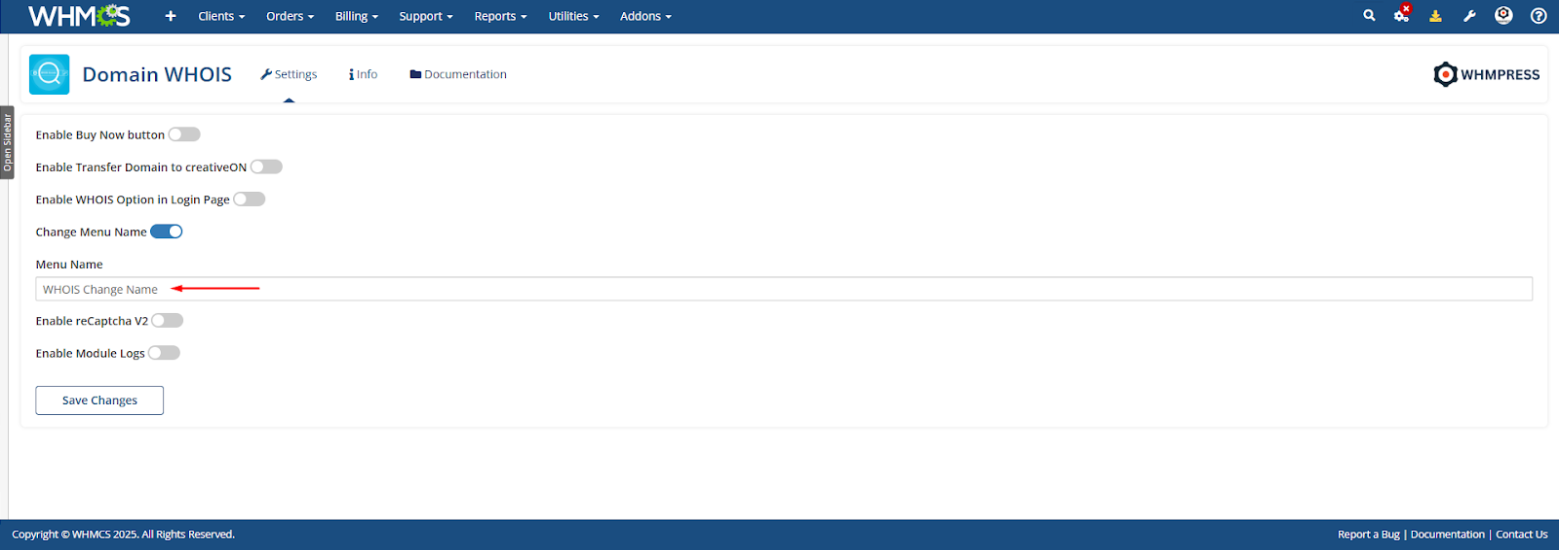
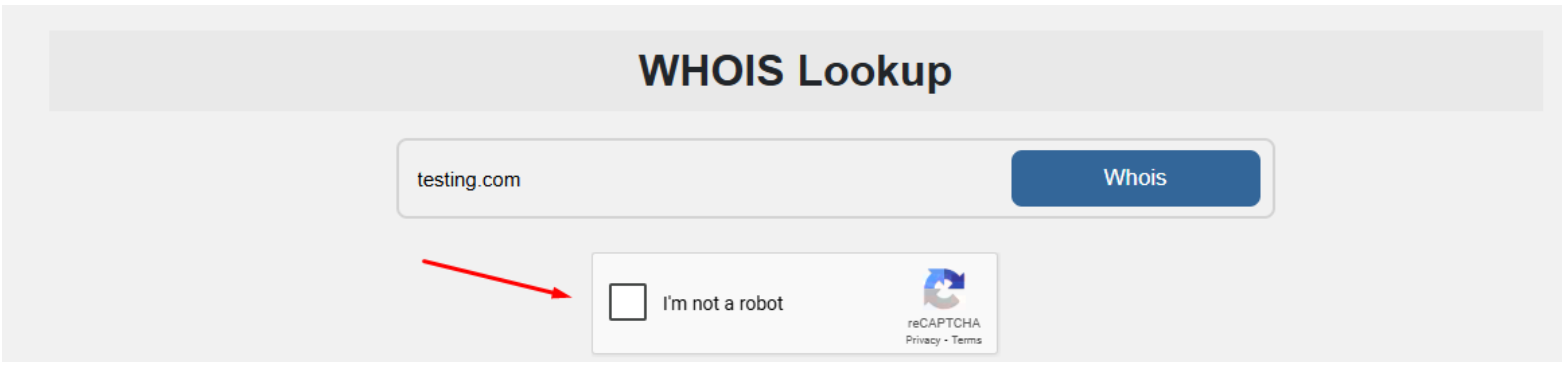
Enable reCAPTCHA V2
When enabled, a CAPTCHA will be shown to clients before they search for a domain in the
client area, adding an extra layer of security.