
I still remember the first time a client asked me “so what does WHMCS actually do?” and I fumbled through an answer about invoices and tickets before realizing I was describing three different products at once. If you’re new to hosting or just inherited a WHMCS install from a business partner, that confusion is normal — the platform quietly runs so much of the back office that it’s easy to undersell it.
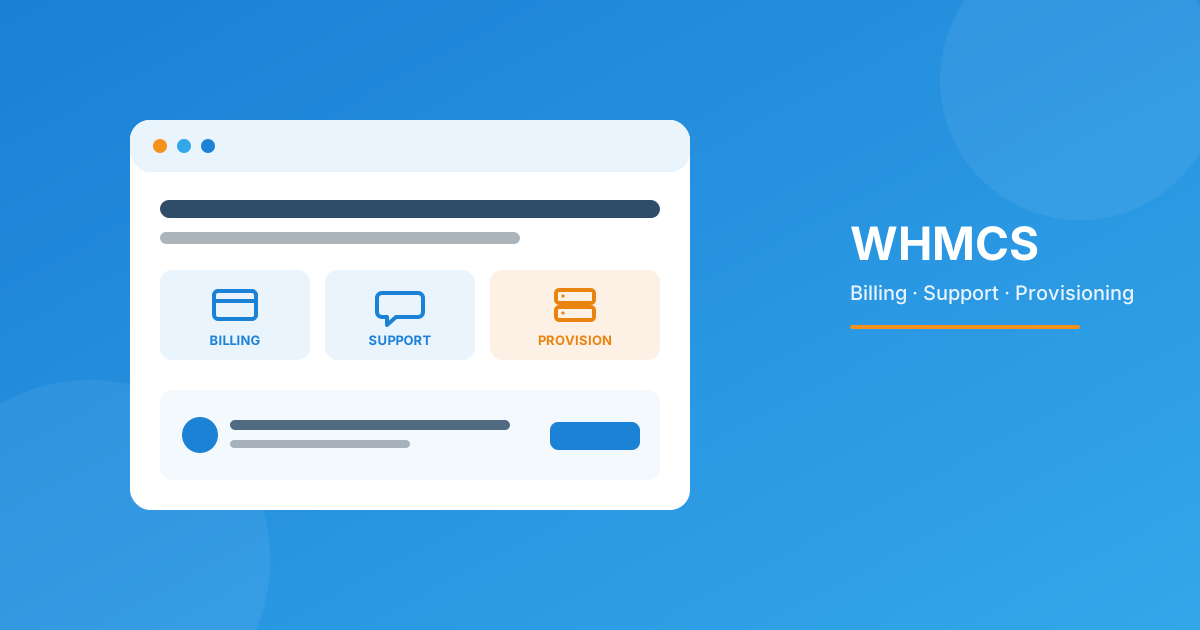
WHMCS is billing, support, and provisioning software for hosting companies and resellers — it automates invoicing and recurring payments, manages support tickets, and auto-creates hosting accounts and domains the moment a client pays. Most hosts pair it with a proper WHMCS client area on WordPress so the whole thing feels like one branded site instead of two disconnected systems.
WHMCS in plain terms
WHMCS (Web Host Manager Complete Solution) is billing and automation software built specifically for web hosts, resellers, and any business that sells recurring server-based services — VPS, shared hosting, domains, SSL, even IPTV or SaaS subscriptions. Think of it as the operations layer that sits between “someone paid you” and “their service exists and works.” Without it, you’re manually creating cPanel accounts, chasing invoices in a spreadsheet, and answering support emails one at a time. With it, most of that runs itself.
It’s not a website builder and it’s not a control panel — it doesn’t host anything itself. It talks to your control panel (cPanel, Plesk, DirectAdmin), your payment gateway, your domain registrar, and your support inbox, and it coordinates all of them from one dashboard.
The four jobs WHMCS actually does
- Billing & invoicing — generates recurring invoices, applies taxes and currency conversion, retries failed payments, and can suspend overdue accounts automatically.
- Provisioning — the second an invoice is paid, it creates the cPanel/Plesk account, assigns the package, and emails the client their login. No manual account creation.
- Support — a ticketing system with departments, canned replies, and SLAs, plus a knowledgebase clients can self-serve from before they ever open a ticket.
- Domains — registration, renewal reminders, WHOIS lookups, and transfers through 80-plus registrar modules, so domains live in the same dashboard as hosting.
Who’s actually using it
I’ve set this up for tiny one-person resellers with 15 clients and for hosts running several thousand accounts — it scales in both directions, which is honestly rare for business software. The common thread is recurring billing: if you charge someone monthly or yearly for a service that needs to be turned on or off, WHMCS earns its keep.
| Business type | What WHMCS replaces |
|---|---|
| Reseller hosting | Manual cPanel account creation + spreadsheet invoicing |
| VPS / dedicated providers | Custom-built billing scripts, manual server assignment |
| Domain registrars/resellers | Separate renewal-reminder tools |
| IPTV & SaaS subscriptions | Third-party subscription billing platforms |
| Digital agencies with hosting add-ons | Ad-hoc PayPal invoices and manual reminders |
Where the WordPress side comes in
Here’s the part beginners usually miss: WHMCS’s own front-end is functional but it looks like 2012 hosting software, because it is. Most hosts run their marketing site on WordPress and just don’t want customers bouncing to a visually mismatched WHMCS domain to log in, check an invoice, or open a ticket. That’s the gap a WHMCS client area plugin closes — it pulls the login, dashboard, billing, and ticket screens into your WordPress theme via API, so the client never feels like they left your site.
If you want more than just the client area — pricing tables, a one-page checkout, WooCommerce payment bridging — that’s what the WP-WHMCS Toolkit Suite is built for. It’s a set of shortcode-based tools rather than one plugin, so you can turn on just the pieces you need (say, live pricing tables and a one-page order form) without adopting a heavier bridge you’ll never fully use.
A realistic first-month setup
- Install WHMCS and connect it to your control panel and payment gateway.
- Build your hosting packages/products and pricing.
- Connect a domain registrar module for registrations and renewals.
- Bring the client area into WordPress so login/billing/tickets match your site’s branding.
- Turn on automation — invoice generation, payment reminders, and suspension for non-payment.
Most of the actual configuration is a few focused afternoons, not weeks. Where hosts lose time is usually the WordPress integration and any custom workflow (say, a non-standard provisioning step) — that’s the kind of thing worth handing to someone who’s done it before rather than debugging API calls at 11pm.
Frequently asked questions
Is WHMCS only for web hosting companies?
No. It’s built for hosting but works for any recurring, provisioned service — domain resellers, IPTV panels, SaaS subscriptions, even license-key software, since the billing and automation logic doesn’t care what’s being provisioned.
Do I need coding skills to use WHMCS?
Not for day-to-day use — the admin area is point-and-click for products, invoices, and tickets. Coding only comes in if you want a custom module, gateway, or non-standard automation the built-in options don’t cover.
Can WHMCS run without a separate WordPress site?
Yes, it works standalone with its own templates. Most hosts add WordPress because it’s a far better marketing and SEO platform, then bridge the client area in so customers stay on one branded domain.
Does WHMCS handle support tickets, or do I need separate helpdesk software?
It has a built-in ticketing system with departments and canned replies that’s genuinely fine for most hosts. Some scale into a dedicated helpdesk later, but plenty run entirely on WHMCS’s native ticket system for years.
The bottom line
WHMCS is the billing-provisioning-support engine that lets a hosting business run on autopilot instead of manual spreadsheets and one-off account creation. The software itself is straightforward to license and install; the part that actually determines whether your customers have a good experience is how it’s presented — which is why pairing it with a proper WordPress client area and the right toolkit matters as much as the WHMCS install itself.
Whether you need a clean client area, a custom module, or something WHMCS doesn’t do out of the box, we can build it. Or browse the module marketplace for a ready-made fix.
Get a Free QuoteMCP Server for WHMCS
AI-Ready Automation Layer
Let AI agents and internal tools query and manage your WHMCS data directly — built for hosts who want automation to go further than the admin panel.
Get the Module View product details →Custom WHMCS Development
Bespoke Modules & Integrations
Need a module, gateway, or integration built around how your business runs? We build upgrade-safe, API-driven WHMCS solutions.
Get a Free Quote View services →