Most hosting companies are sitting on 15-30% more revenue from clients they already have — and never touch it. Not through a bigger ad budget, not through a price hike that risks churn, but through better timing on offers those clients would say yes to anyway.
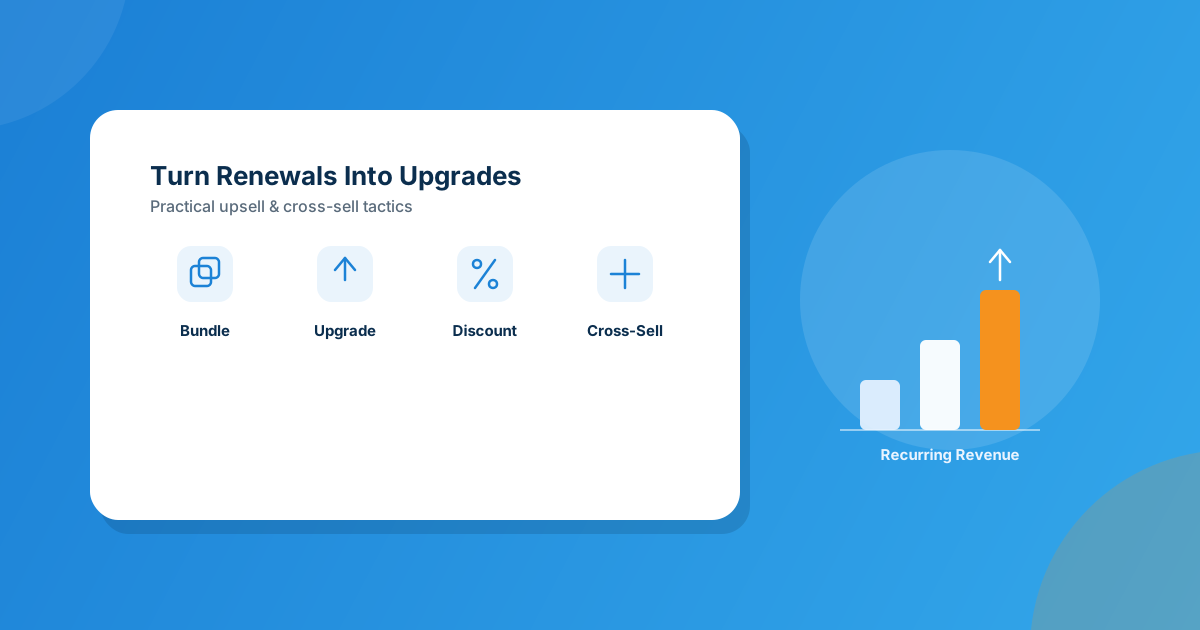
The highest-converting moves are bundling relevant add-ons at checkout, prompting upgrades right at the renewal moment instead of at random, and running time-boxed discounts instead of permanent markdowns — WHMCS’s own Discount Center handles that last part at the rule level, without you touching a pricing table by hand.
Upselling vs. Cross-Selling: What’s Actually Different in Hosting
People use these two words interchangeably and it muddies the strategy. Upselling is moving a client to a bigger version of what they already have — shared hosting to a VPS, a 2GB plan to 8GB, a single-domain license to unlimited. Cross-selling is adding something adjacent — an SSL certificate, backups, domain privacy, a second domain, managed support. Both work. Both get ignored by hosts who treat the client area as a static invoice-viewer instead of a sales surface.
I’ve watched hosting businesses run for years on pure acquisition — chase new signups, ignore the base — then wonder why margins stay thin. The math is backwards. A client who’s already paid you for six months trusts you more than a stranger clicking a search ad. Converting them costs almost nothing next to what a new signup costs you.
Why Most Hosts Leave This Revenue on the Table
Three reasons show up again and again when I look at how hosting businesses actually run: nobody owns the upsell motion (it’s not a support job and it’s not really a sales job, so it falls through the cracks), pricing changes feel risky to touch by hand (one wrong bulk edit and you’ve undercharged four hundred clients), and offers get shown at the wrong moment — a pop-up on day one before the client has even used the service, instead of at renewal when they’re already thinking about value.
Fix the timing and the tooling, and this becomes one of the highest-ROI things you can do this quarter — no new traffic required.
6 Tactics That Actually Move Revenue
1. Bundle at checkout, not as an afterthought
If a client is ordering a hosting plan, that’s the moment to show them domain privacy, backups, or an SSL upgrade — not three weeks later in a marketing email they’ll archive unread. Keep it to one or two genuinely relevant add-ons, priced together as a bundle. A client comparing $8/mo hosting against $8/mo hosting plus backups and privacy for $11 sees that $3 as a rounding error, not a decision.
2. Prompt upgrades at the renewal moment
Renewal is when a client is already thinking about the account and already reviewing what they’re paying for. That’s a far better moment for “you’re at 85% of your disk allowance, here’s the next tier” than a random Tuesday email. If you’re not watching usage against plan limits, you’re missing the single best-timed upsell trigger available to you.
3. Run time-boxed discounts, not permanent markdowns
A discount that never ends isn’t a promotion — it’s just your new price, and clients stop reacting to it as an offer. What actually works is a real deadline: “upgrade this month, lock in 20% off your first year,” tied to a specific trigger like a new client, an existing client hitting a plan limit, or a specific product line. Doing that by hand in WHMCS means editing product pricing directly across however many plans qualify, which is exactly the kind of change that’s easy to get wrong. Discount Center for WHMCS handles it at the rule level instead: you build a discount group (percentage, fixed amount, or a free setup fee), target it by client status — all, existing, new, or specific client IDs — and set conditions such as a minimum cart quantity for bulk pricing. WHMCS then shows the original price and a separate discount line on the invoice automatically, so nothing looks hand-edited.
4. Segment pricing by client tier, currency, and TLD
Not every client should see the same price, and not every currency should move by the same percentage. If you’re running a promo in one region, or adjusting margin on specific TLDs because your registrar cost changed, doing that product by product in the WHMCS admin is slow and error-prone. Product Pricing Manager applies percentage-based bulk changes across products, add-ons, and domain registrations — filtered by billing cycle, specific TLDs, or currency — in a single action instead of editing each product one at a time. That’s the difference between a targeted pricing campaign and an afternoon lost to data entry.
5. Cross-sell inside the client area, not just at signup
Most of a client’s relationship with you happens logged into their client area, paying invoices and opening tickets — not on your marketing pages. If checkout is the only place you ever pitch an upgrade, you’re missing the 95% of the relationship that happens after. A visible “upgrade available” or “add this service” prompt inside the dashboard catches clients while they’re already thinking about their hosting, which converts far better than a cold email six months later.
6. Let support tickets be a soft upsell moment
A client emailing about slow load times or a full mailbox is telling you exactly what to offer them — more resources, a bigger plan, an add-on that solves the actual problem they described. This isn’t pushy if it’s framed as solving what they asked about. It’s the best-converting upsell moment you have, because the client raised the need themselves.
How These Tactics Compare
| Tactic | Setup effort | Best trigger point |
|---|---|---|
| Checkout bundles | Low | New order |
| Renewal upgrade prompts | Medium | Renewal / plan-limit usage |
| Time-boxed discounts | Low, with Discount Center | New client, limit-hit, or seasonal push |
| Tiered / currency pricing | Low, with Product Pricing Manager | Regional campaign or cost change |
| Client-area cross-sell | Medium | Ongoing, passive |
| Support-ticket upsell | Low, just a habit | Client raises a related need |
Frequently asked questions
What’s the real difference between upselling and cross-selling for a hosting business?
Upselling moves a client to a bigger version of what they already have — a higher hosting tier, more resources. Cross-selling adds something adjacent, like backups, SSL, or domain privacy. Both work best when tied to a moment the client is already evaluating value, like renewal or checkout.
When is the best time to pitch an upgrade to a hosting client?
Renewal time and the moment a client hits a usage limit on their current plan beat cold outreach every time — the client is already thinking about the account and already has a concrete reason to act.
Do time-limited discounts actually work better than permanent lower pricing?
Yes, because a deadline creates a reason to act now instead of “maybe later.” A discount with no end date just becomes your real price, and clients stop responding to it as an offer.
Can I run these pricing and discount tactics without manually editing every product in WHMCS?
Yes. WHMCS’s own product editor works fine for one-off changes, but rule-based tools like Discount Center for WHMCS and Product Pricing Manager for WHMCS handle bulk and conditional pricing changes across many products, currencies, or TLDs in a single action.
The bottom line
You don’t need a bigger ad budget to grow revenue this quarter — you need better timing on the offers your existing clients would already say yes to. Bundle at checkout, prompt at renewal, run real discounts with a deadline, and let your pricing tools do the bulk work instead of your afternoon.
If you’d rather have upsell and discount logic built directly into your ordering flow — custom rules, custom triggers, no manual pricing edits — our team builds upgrade-safe WHMCS integrations around exactly this kind of workflow. Or browse the full module marketplace for ready-made pricing and discount tools.
Get a Free QuoteMCP Server for WHMCS
AI-Driven WHMCS Ops
Manage clients, invoices, services, and domains through natural-language chat in Claude and other AI assistants — no admin panel required.
Get the Module View product details →Custom WHMCS Development
Bespoke Modules & Integrations
Need a module, gateway, or integration built around how your business runs? We build upgrade-safe, API-driven WHMCS solutions.
Get a Free Quote View services →