

Upload The Module.
Next, log in to your Control Panel or FTP. Navigate to Your WHMCS Folder. Then
navigate to modules > gateways. And Upload the Module. After uploading the Module
Extract it.
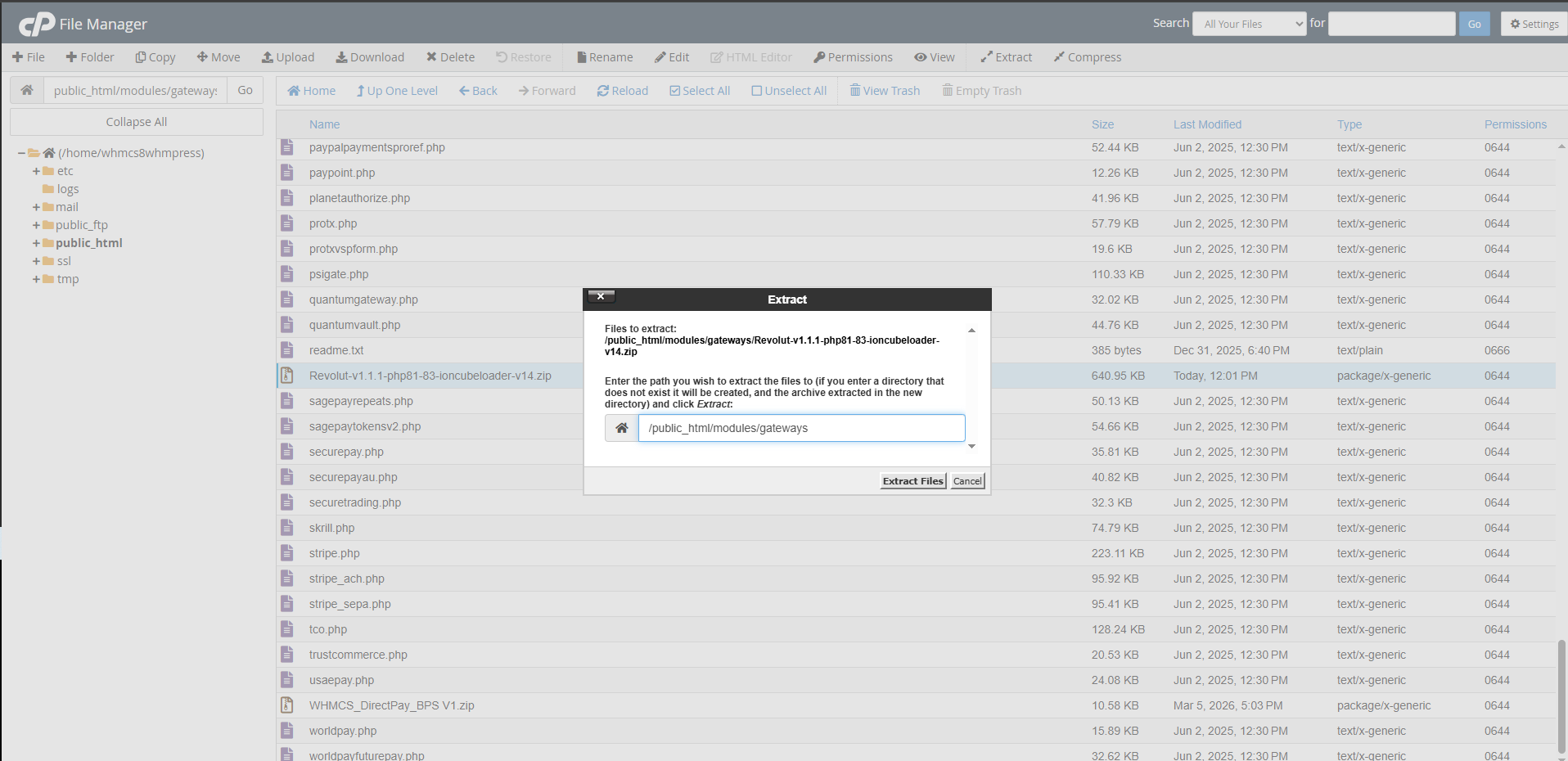
After extracting the module, navigate to the module folder.
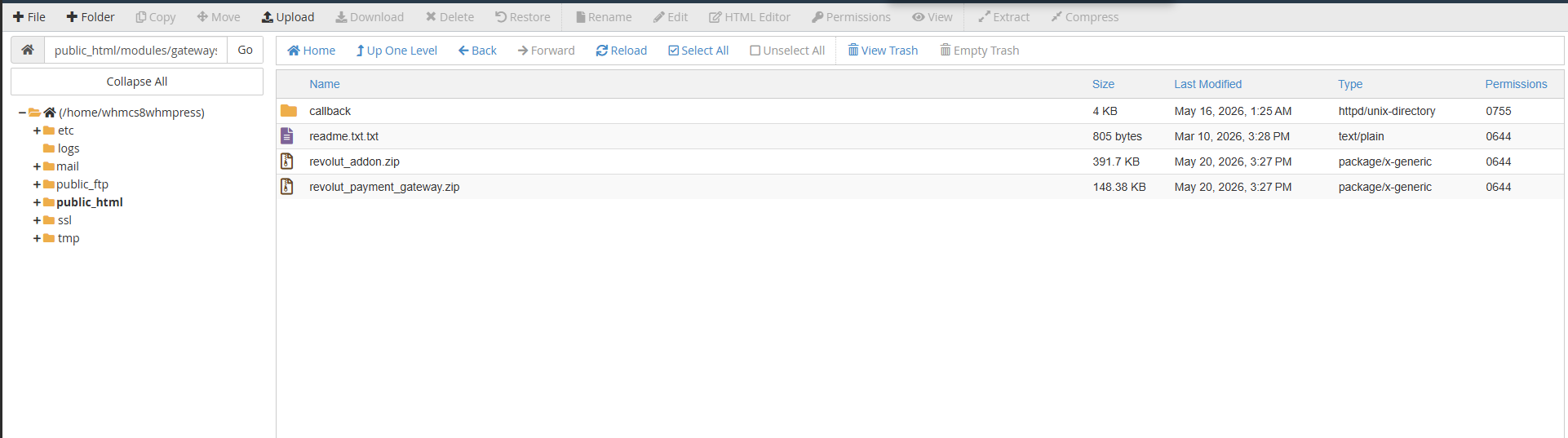
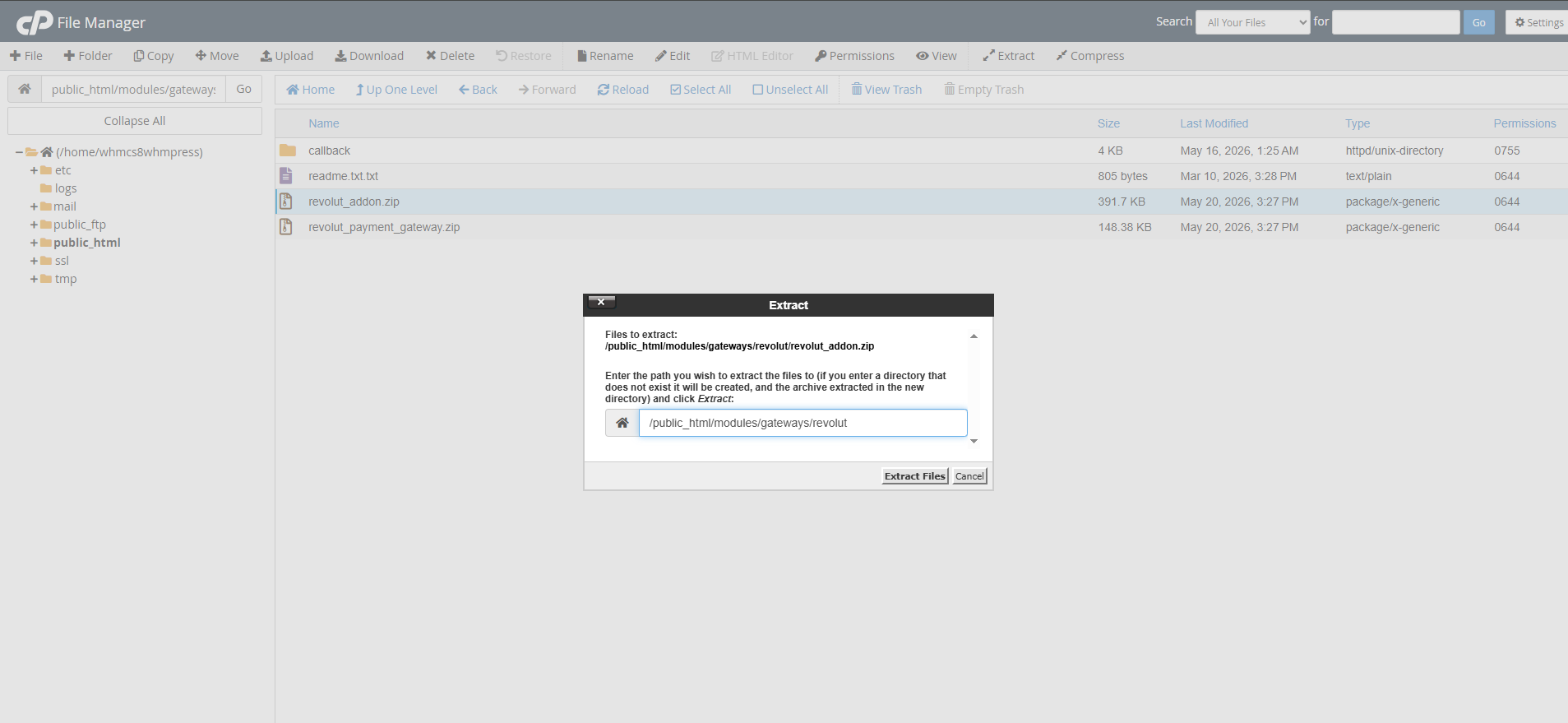
In the module folder, you will find the module addon folder. Extract that folder and move it to the modules/addons directory.
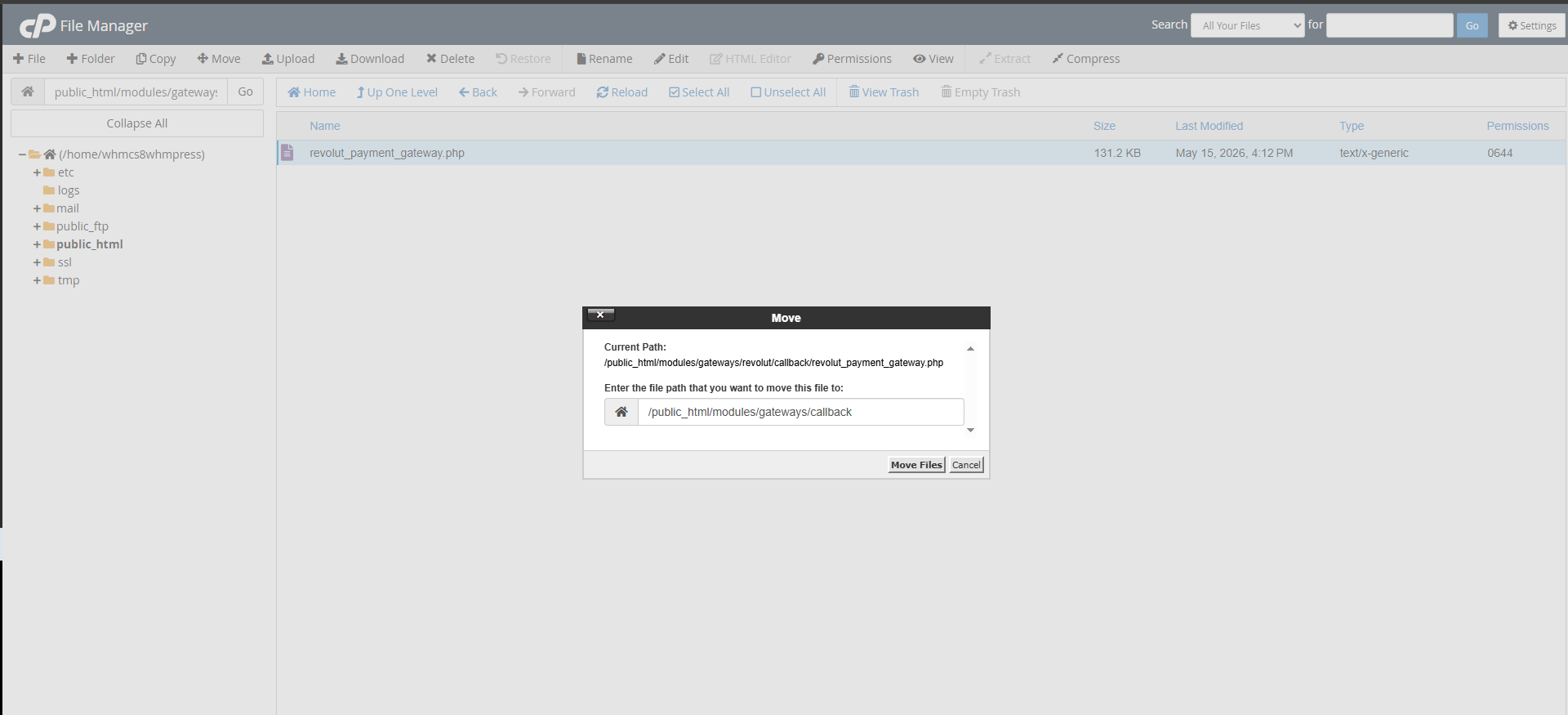
You will also find a “Callback” folder. Move the corresponding files into the “Callback” folder.
Then move the main folder and the main file of the module to the modules/gateways directory.
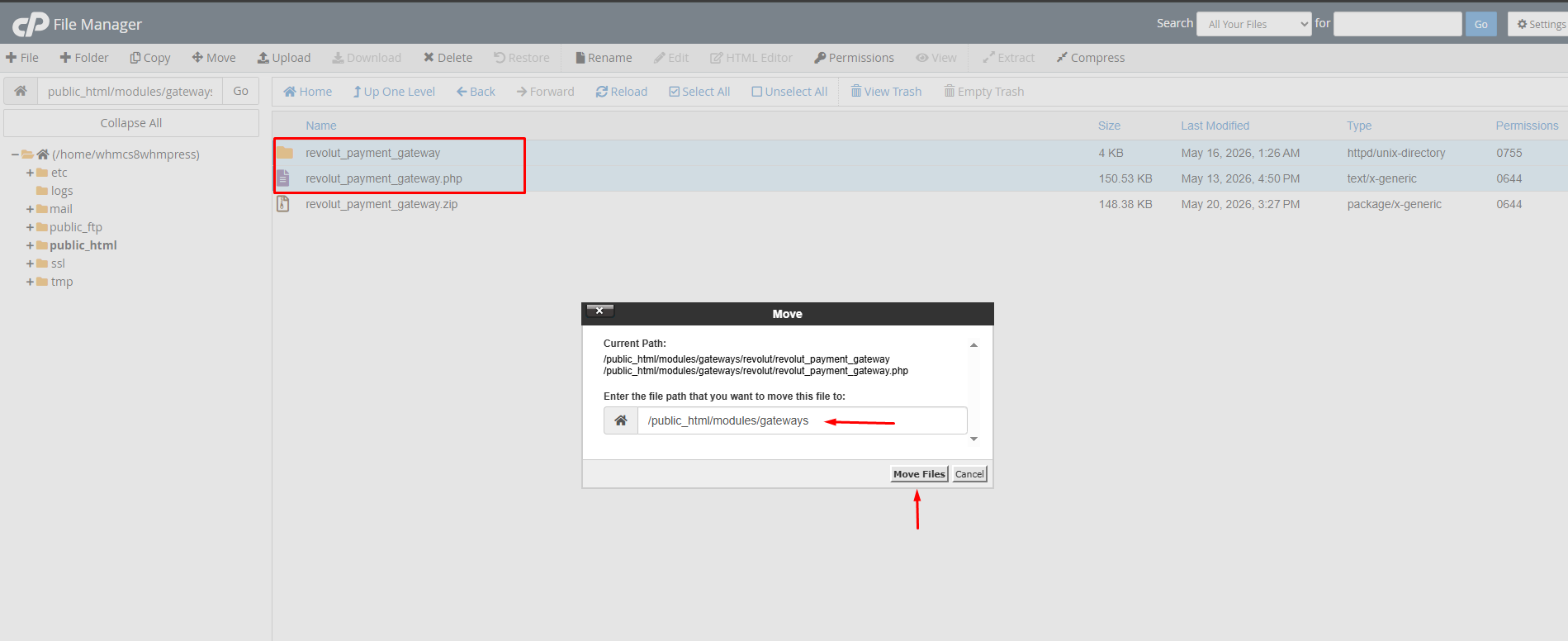
Module Activation:
After uploading the module in Control Panel Or FTP, log in to your WHMCS account.
Then, Navigate to System Settings.
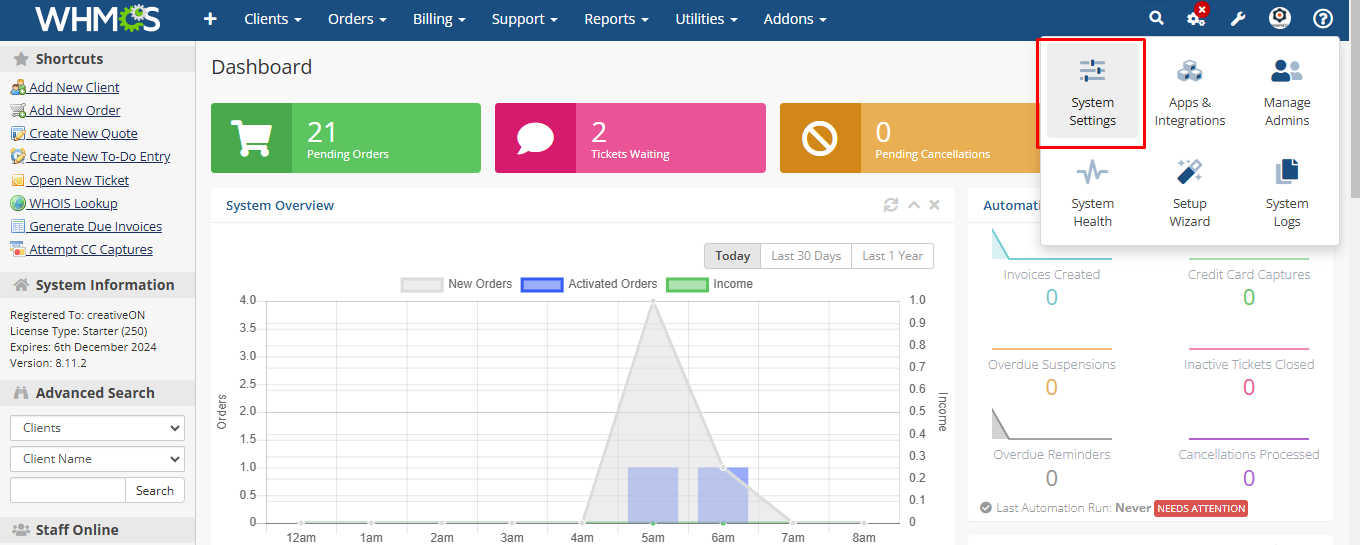
Navigate to the Addon module. Activate the module and configure it accordingly. Enter the license key you generated in
Step 1 . Please select the user roles you would like to grant access to this module. Then
click Save Changes.

Your Module is Successfully Active.