Upload The Module.
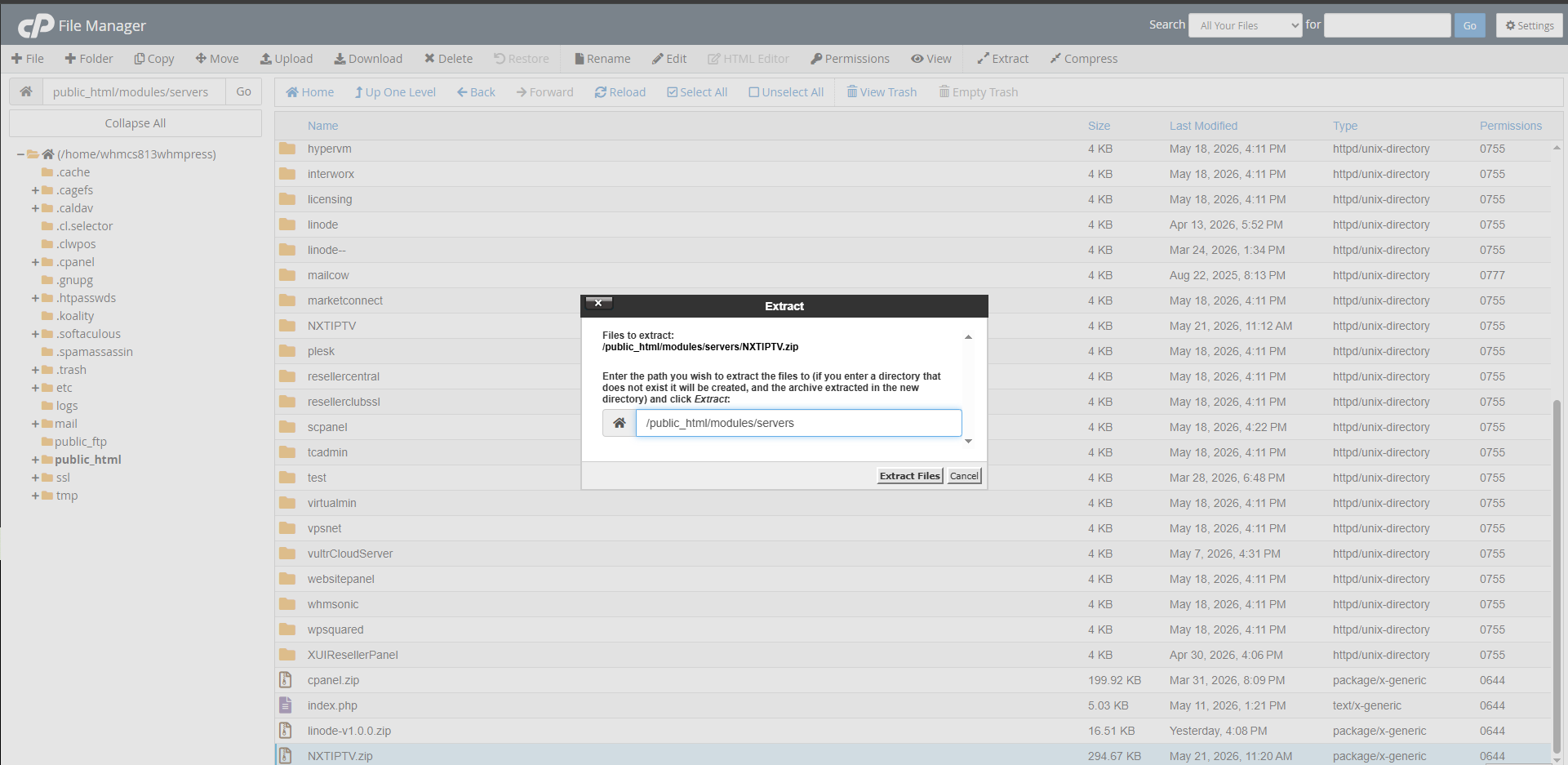
Next, log in to your Control Panel or FTP. Navigate to Your WHMCS Folder. Then
navigate to modules > Server directory. Additionally, the package includes an Addon Module ZIP file, which should be uploaded to the modules/addons directory. After uploading the Module
Extract it.
Module Activation:
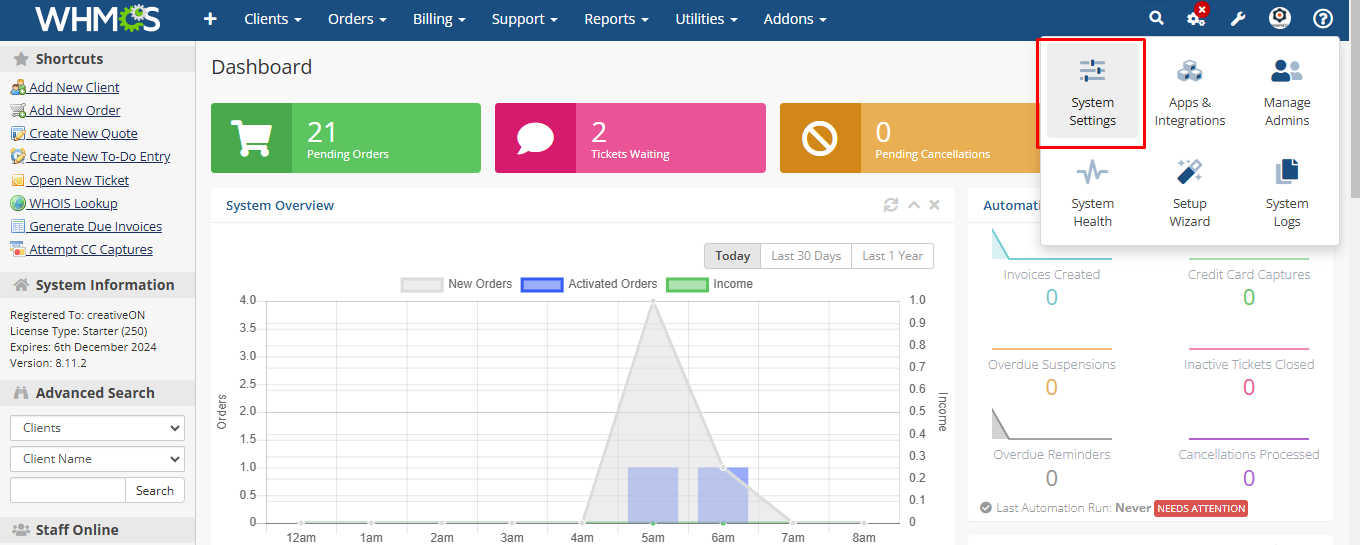
After uploading the module in ControlPanel or FTP, log in to your WHMCS account. Then, Navigate to System Settings.