

Navigate to the Module Dashboard.
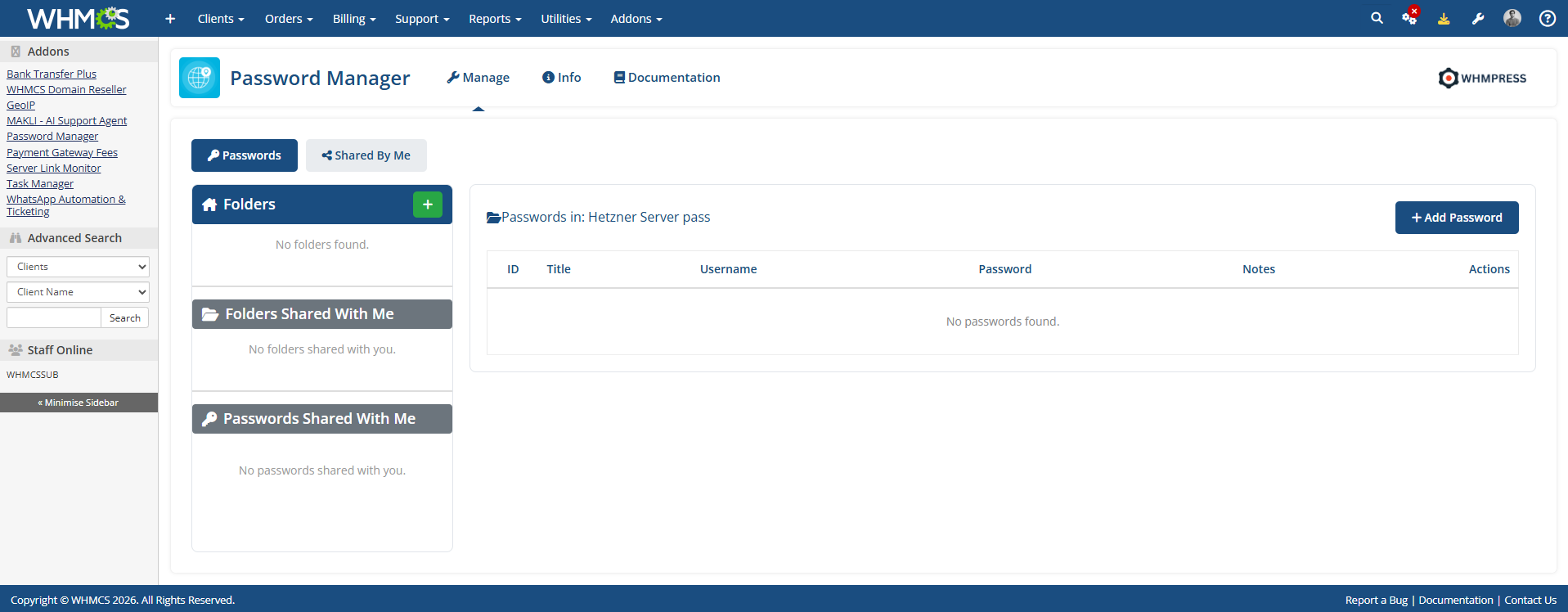
You need to create the main folder first. Enter the name of the main folder and create it. After that, you will be able to add passwords inside that folder.
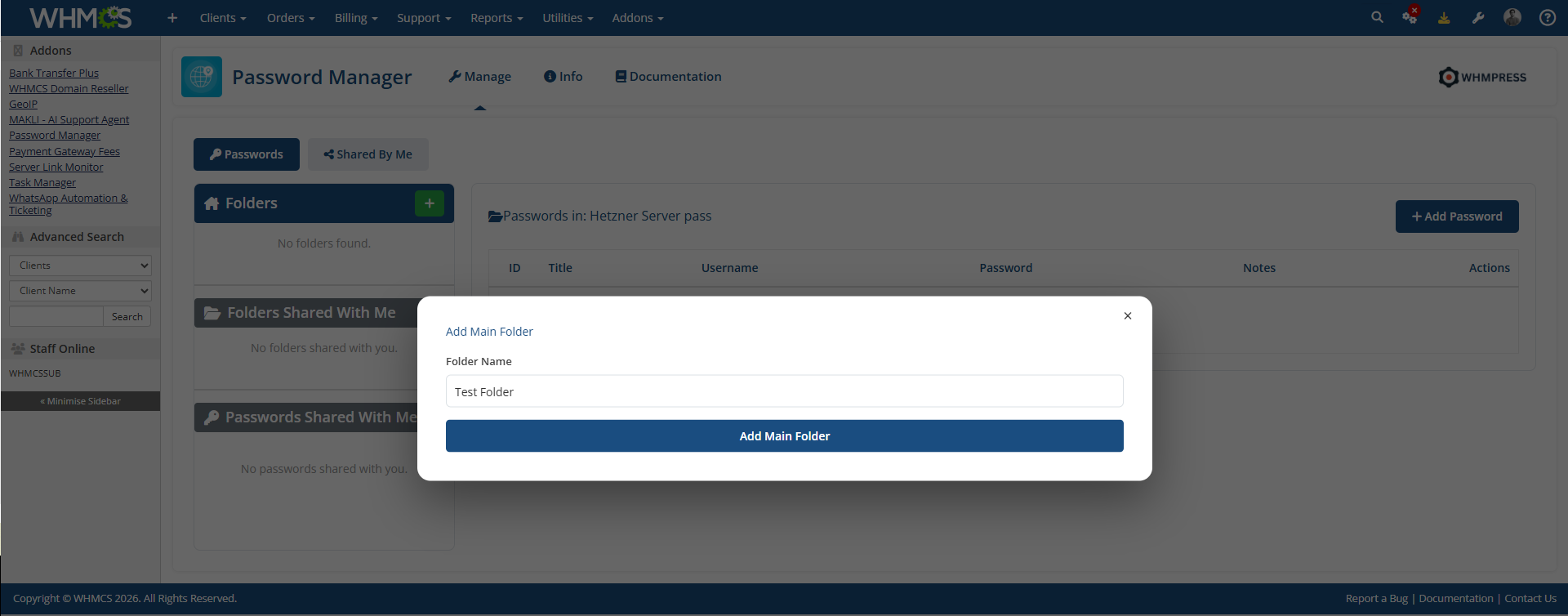
You can also create subfolders inside the main folder.
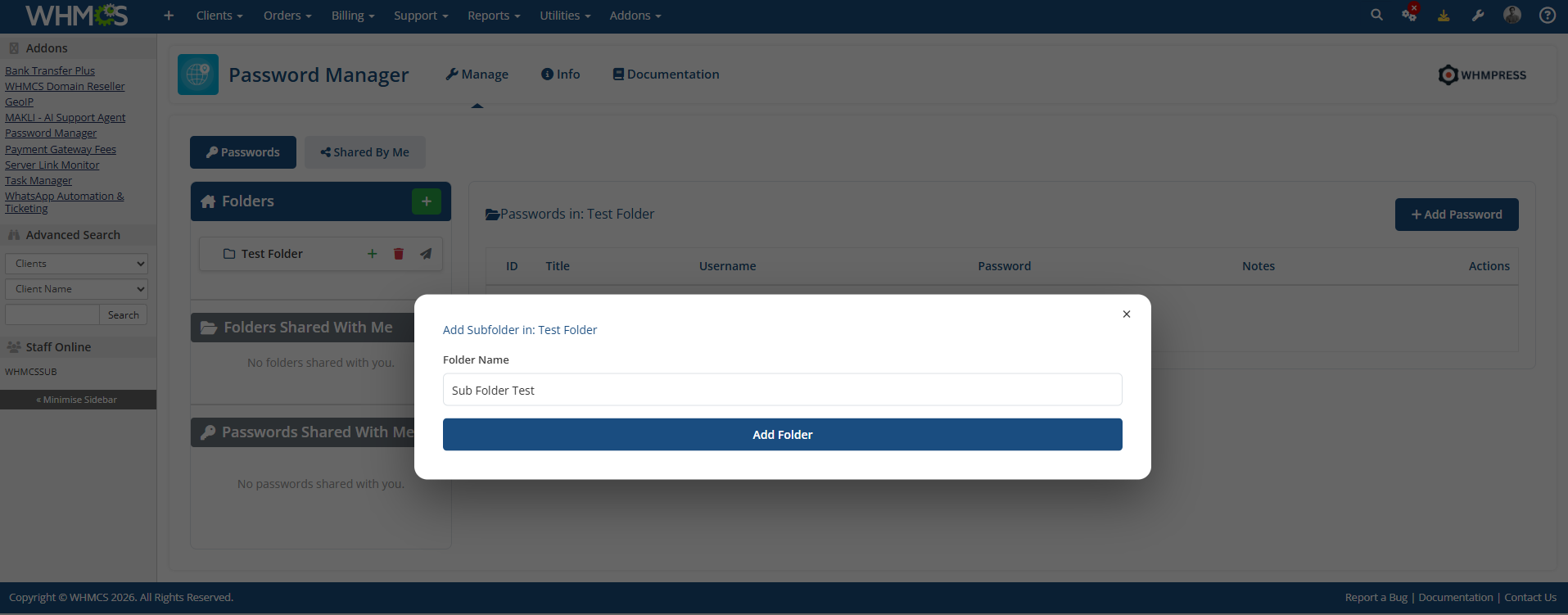
After creating the folders, you can add passwords to the folder of your choice. Simply enter the password details, configure the required settings in the pop-up, and your password will be added successfully.
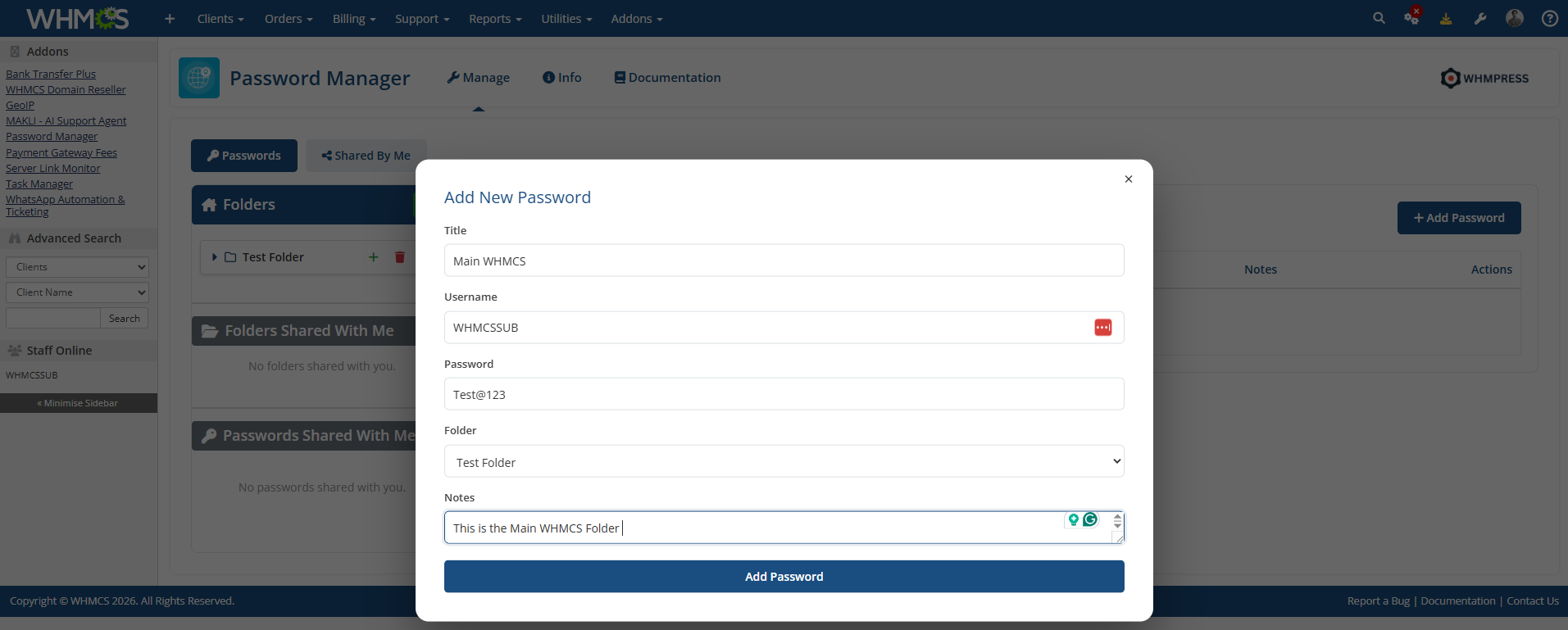
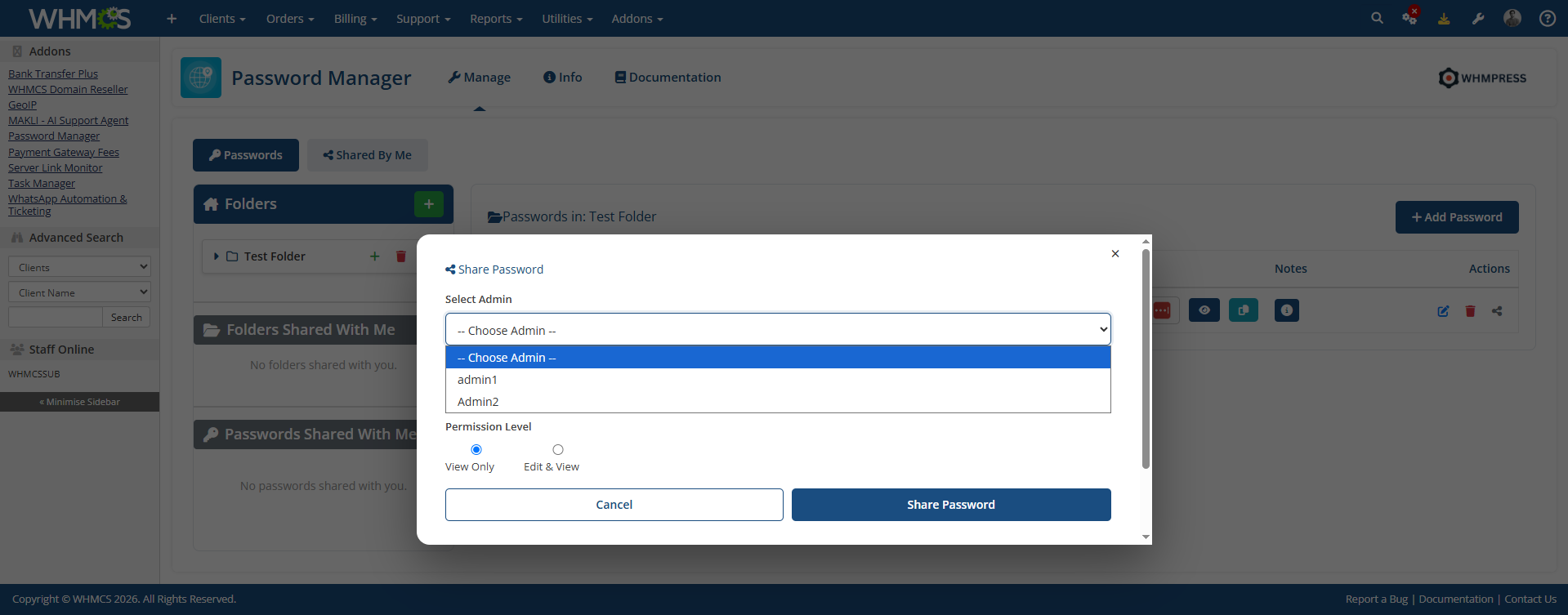
The passwords you have added can also be shared with your sub-admins. You can choose the permissions for each sub-admin, such as whether they can only view the passwords or have permission to edit them. These access options can be configured while sharing the passwords.
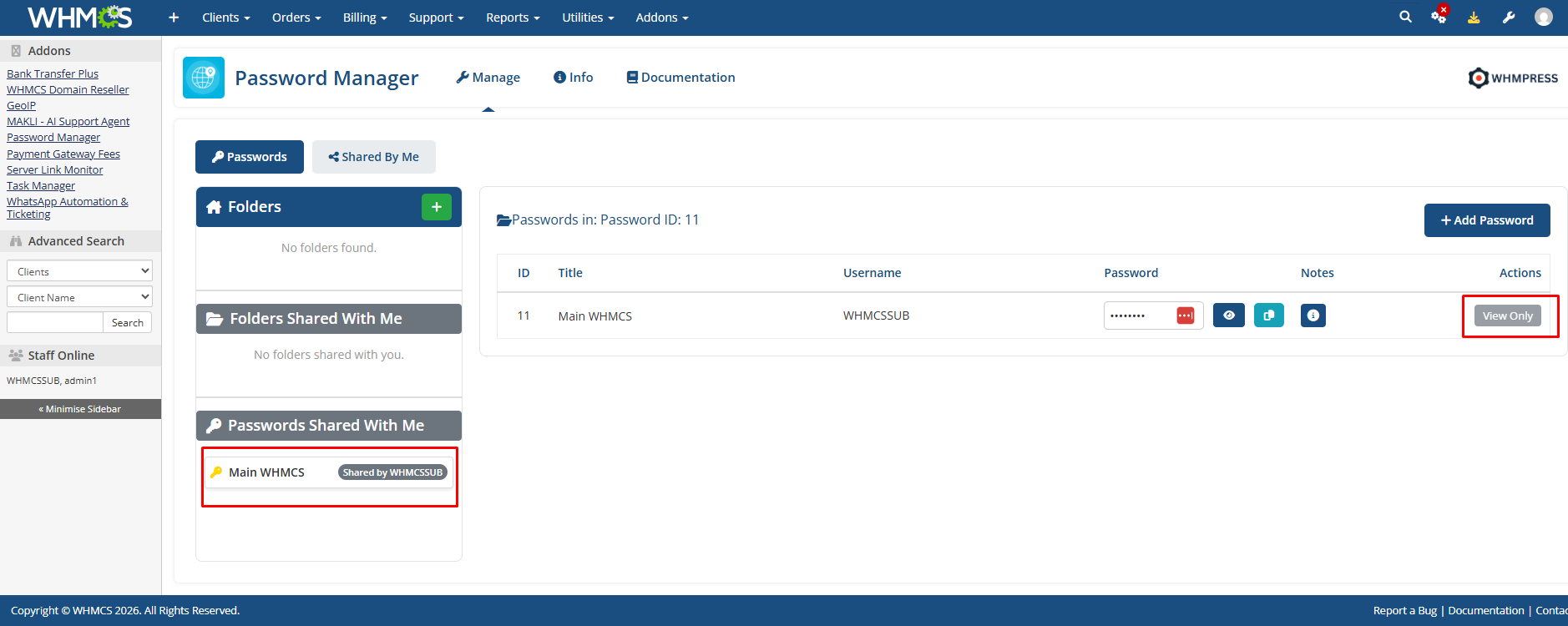
After you have shared the password with your sub-admins, you can check and verify that the password has been shared successfully with them.
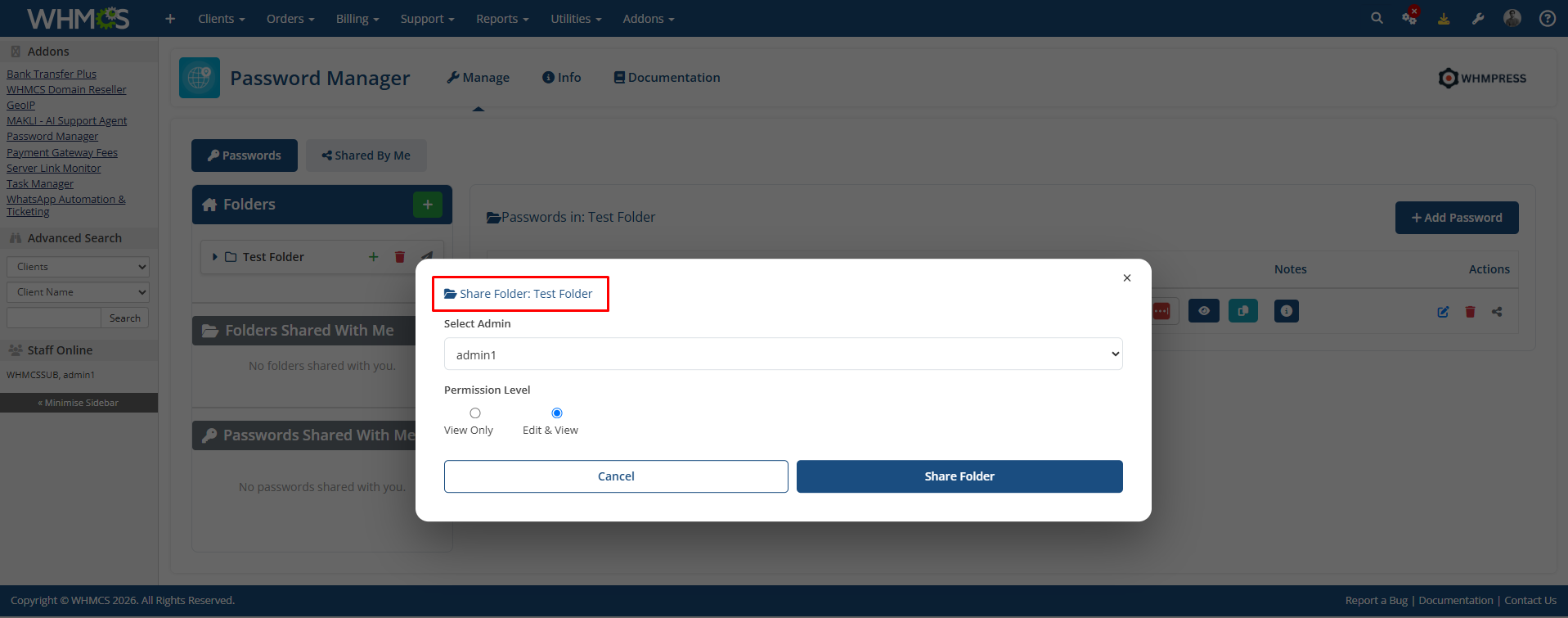
You can also share entire folders with your sub-admins, including all the passwords inside them. You can choose the access level for each sub-admin, such as view-only or edit permissions, depending on your preference.
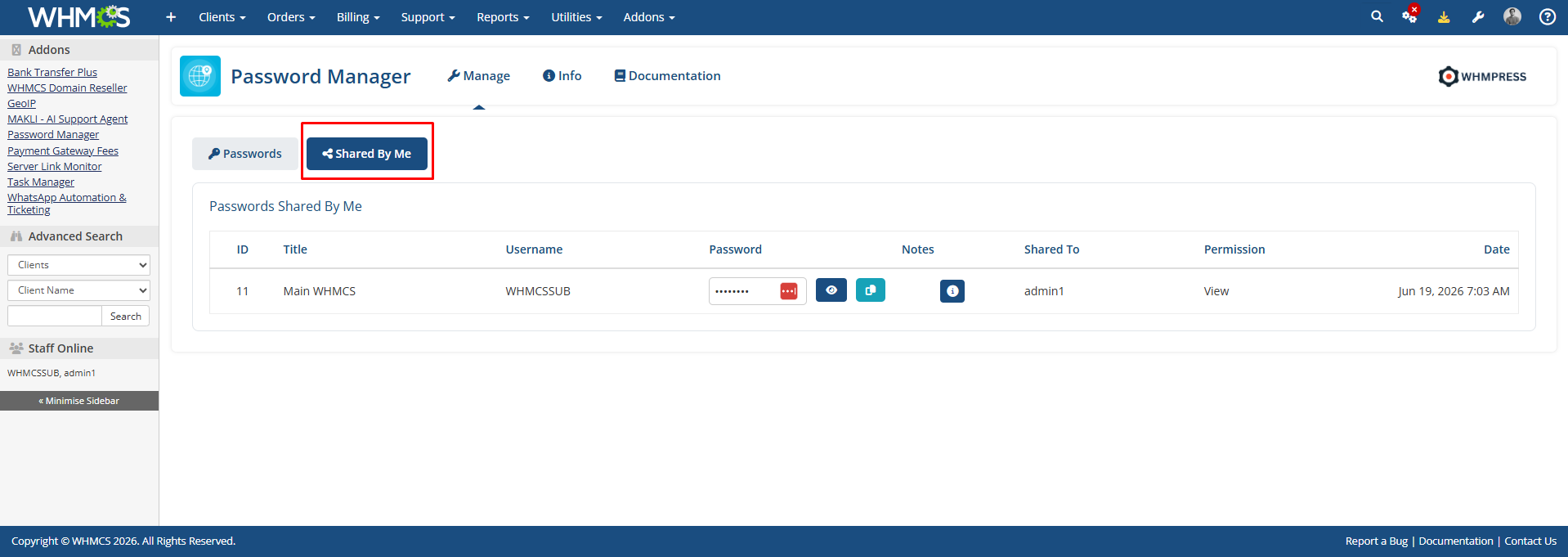
You can also check how many passwords you have shared with other sub-admins.
Conclusion:
Thank you for reviewing this document. If you have any questions or need further assistance, please feel free to reach out.
[ WHMPRESS.com ]
[ [email protected] ]