

Navigate to the Module Dashboard.
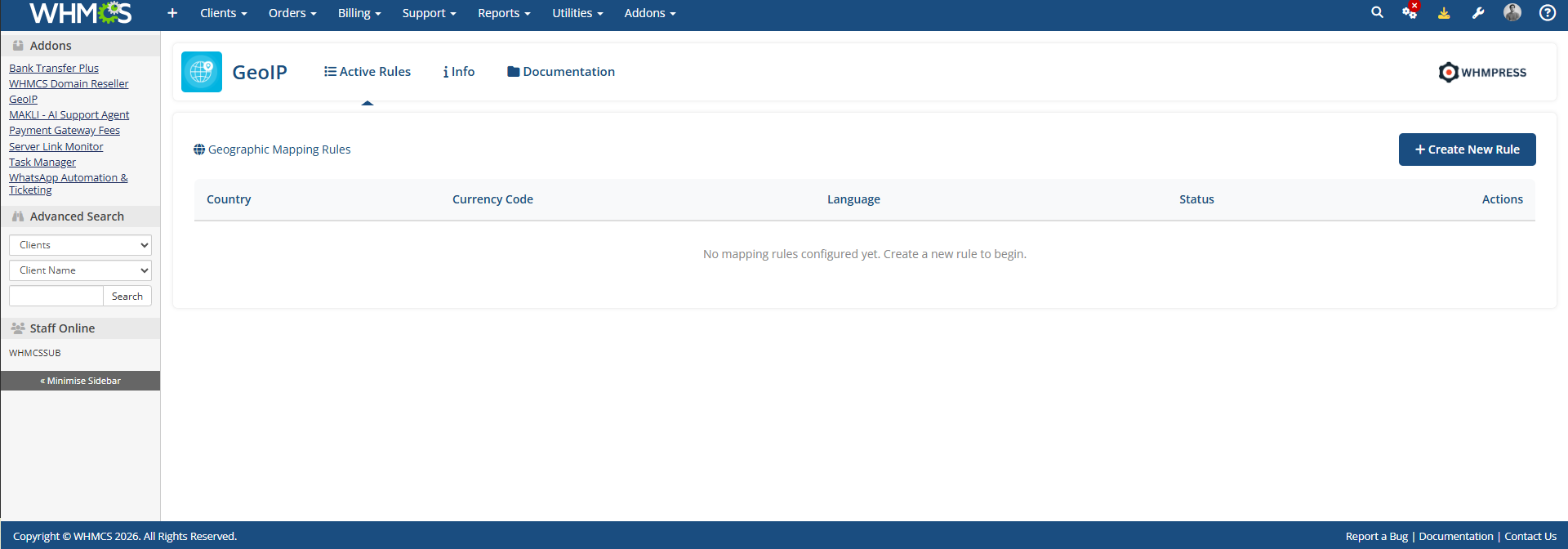
Simply click the “Create New Rule” button. A pop-up will appear where you can configure the required settings.
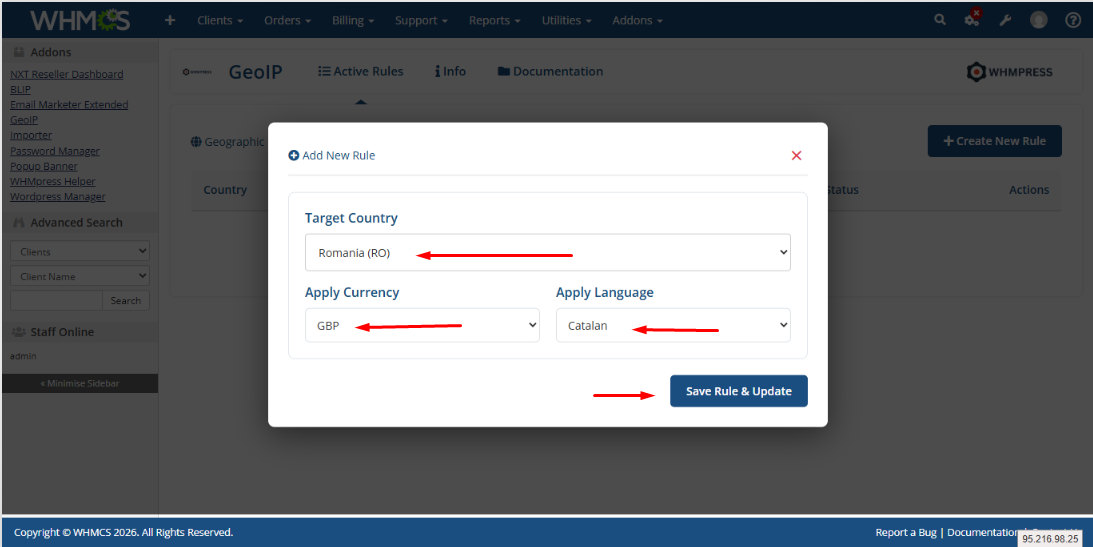
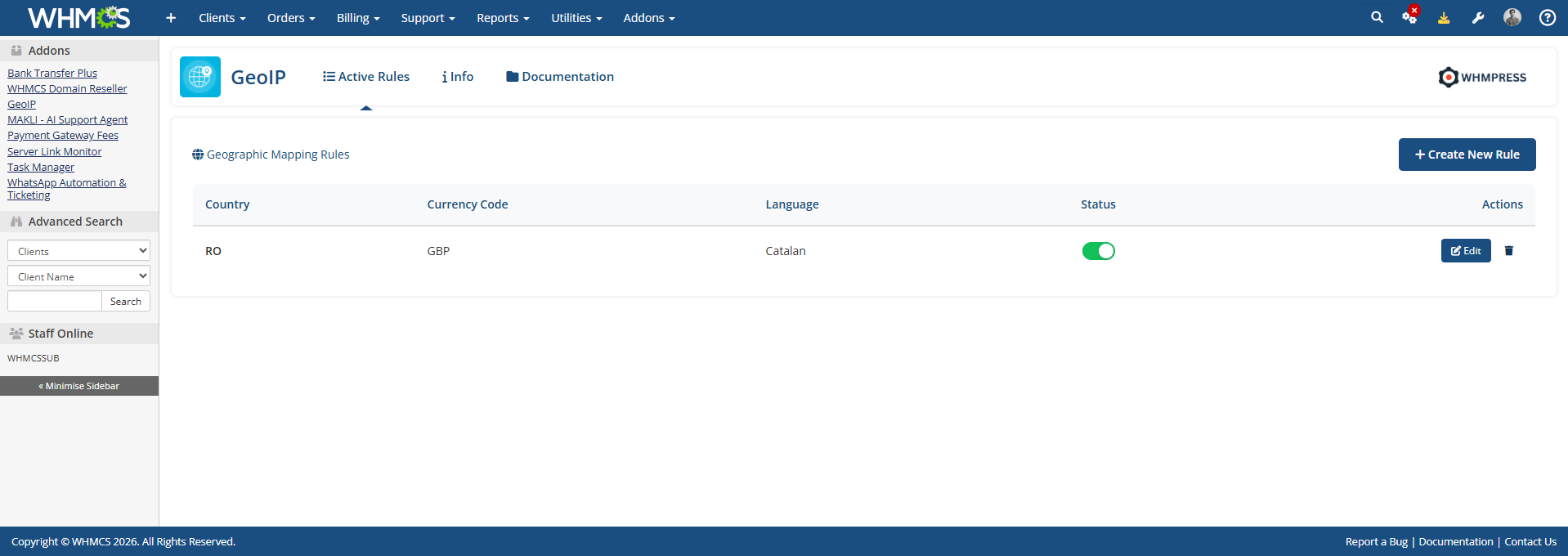
And Click on Save Changes.
Your Rule is Activated Successfully.
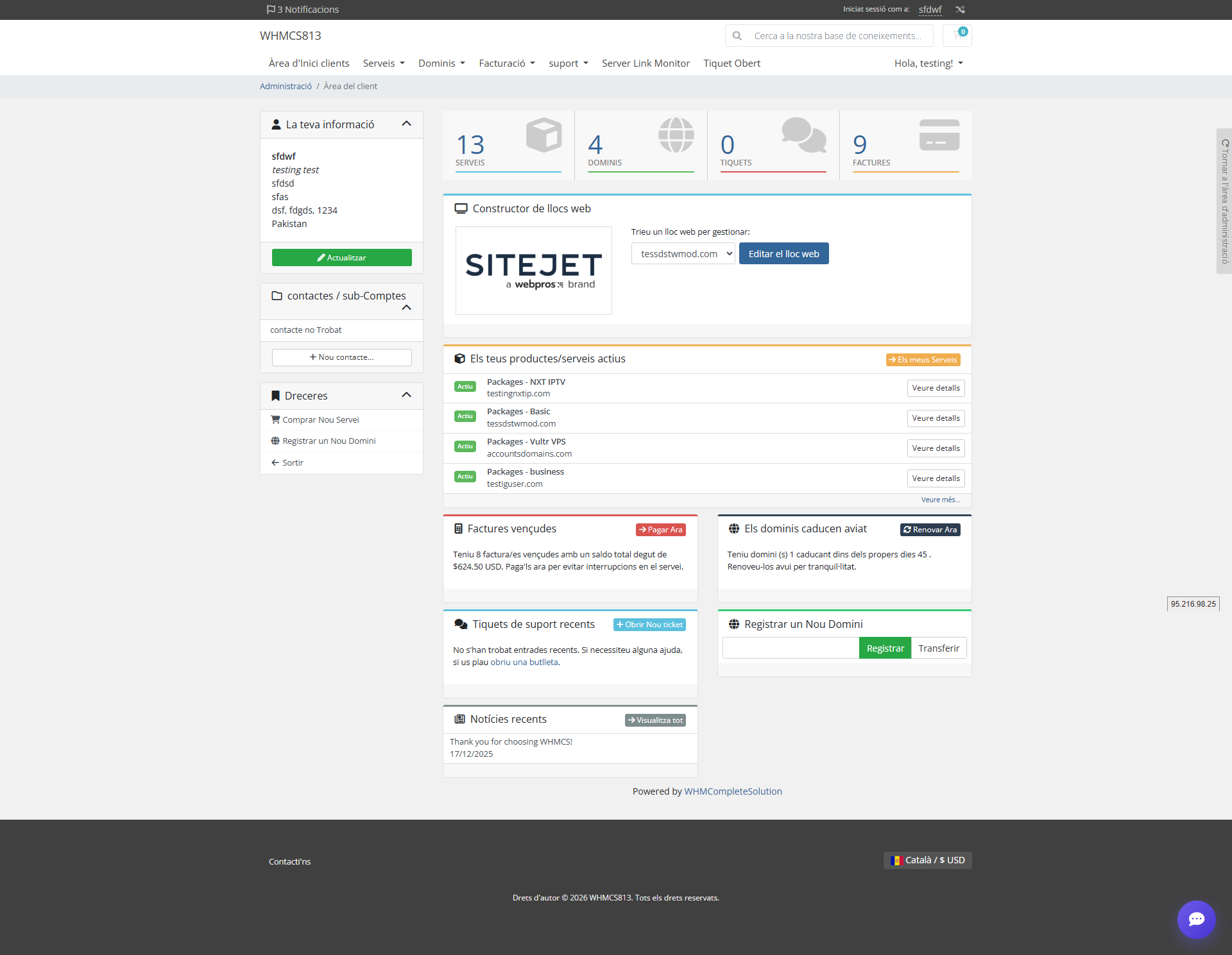
Now simply log in to the client area, and you can verify that the settings you configured have been applied successfully.
Thank you for reviewing this document. If you have any questions or need further assistance, please feel free to reach out.
[ WHMPRESS.com ]
[ [email protected] ]